Saltar al contenido
mexsim

Your travel eSIM for Mexico

IMexico iqala lapho uxhumeka khona

I-eSIM yakho yamamephu, ezokuthutha nemiyalezo kulo lonke uhambo. Thola i-QR nge-imeyili bese uyivula lapho ufika.

Install with a QRKeep your WhatsAppNo physical SIM
Secure Stripe payment QR delivered by email Keep your physical SIM
Choose your eSIM

Khetha iplani yakho

I-inthanethi enejubane eliphezulu enokumboza lonke iMexico

Check my phone’s compatibility
Mexico mobile data plansPrices in MXN

Loading available plans…

✓ Payment processed by Stripe✓ Digital delivery by email✓ Keep your WhatsApp number
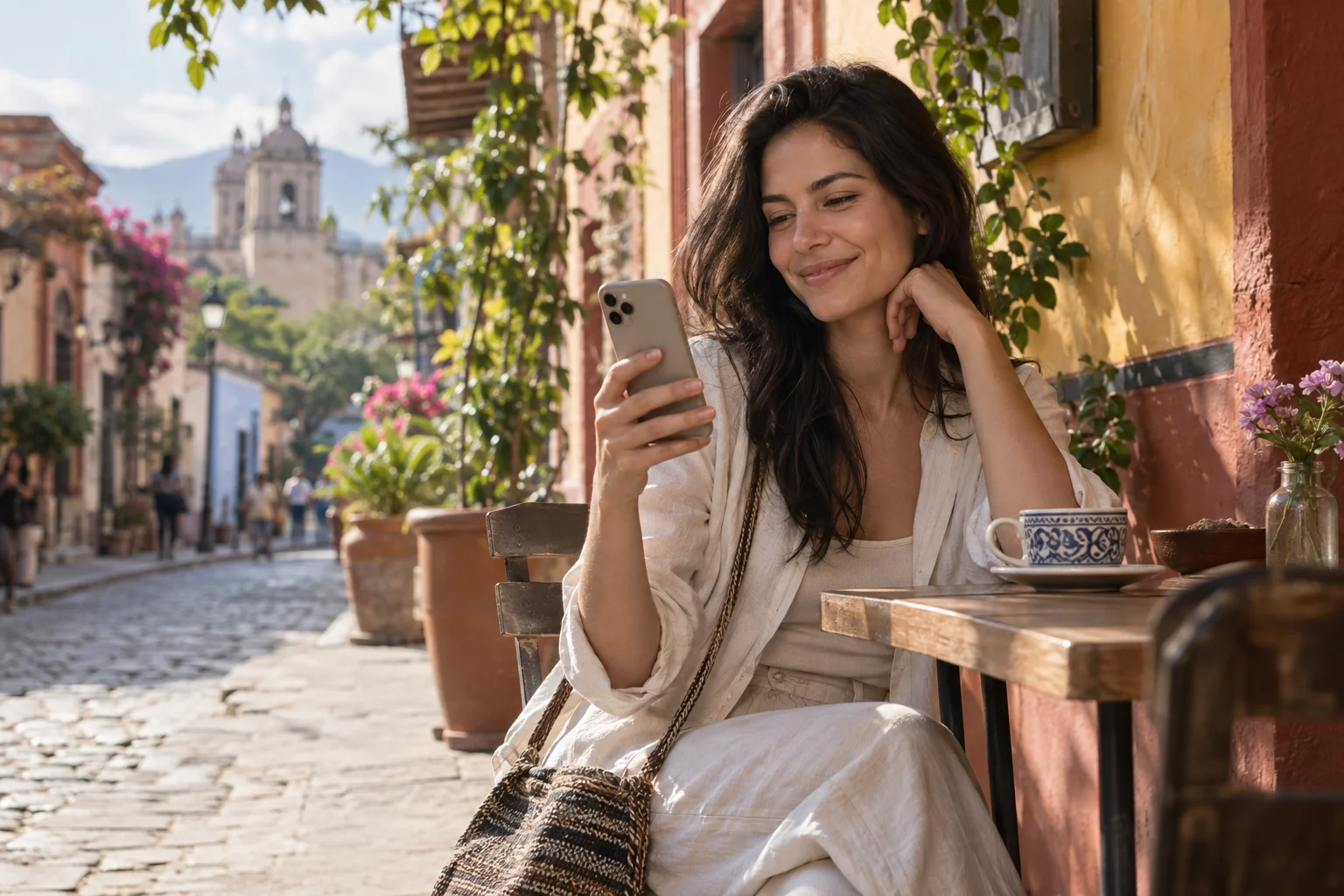
A traveler smiles at her phone on a café terrace in Mexico.
FamilyIllustrative conversation
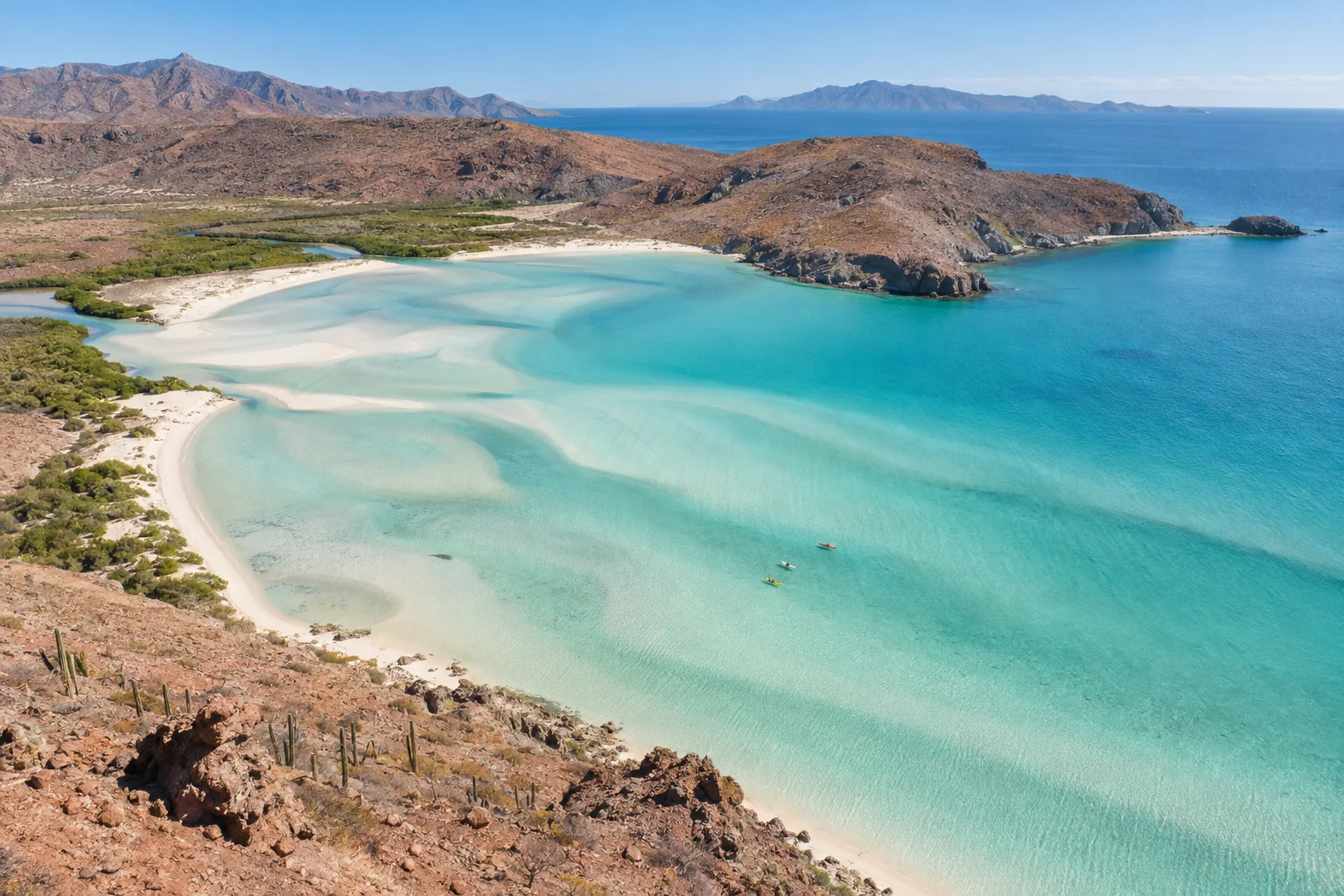
A photo of Balandra Beach shared with family.

Sharing a photo from my trip 😊

12:41

Beautiful! Enjoy every moment ❤️

12:42

Experience Mexico. Share the moment.

Far from home. Close to your world.

Some moments are too good to keep to yourself.

Share photos, send messages and stay in touch with family and friends as you explore Mexico. A travel eSIM lets you use your apps with mobile data during your stay.

  • Your conversations
  • Your places
  • Your moments
Bring your world along

Travel eSIM · Mexico

An eSIM that travels with you

Data for every part of your trip.

Your connection is part of the trip, from your first message on arrival to your last booking.

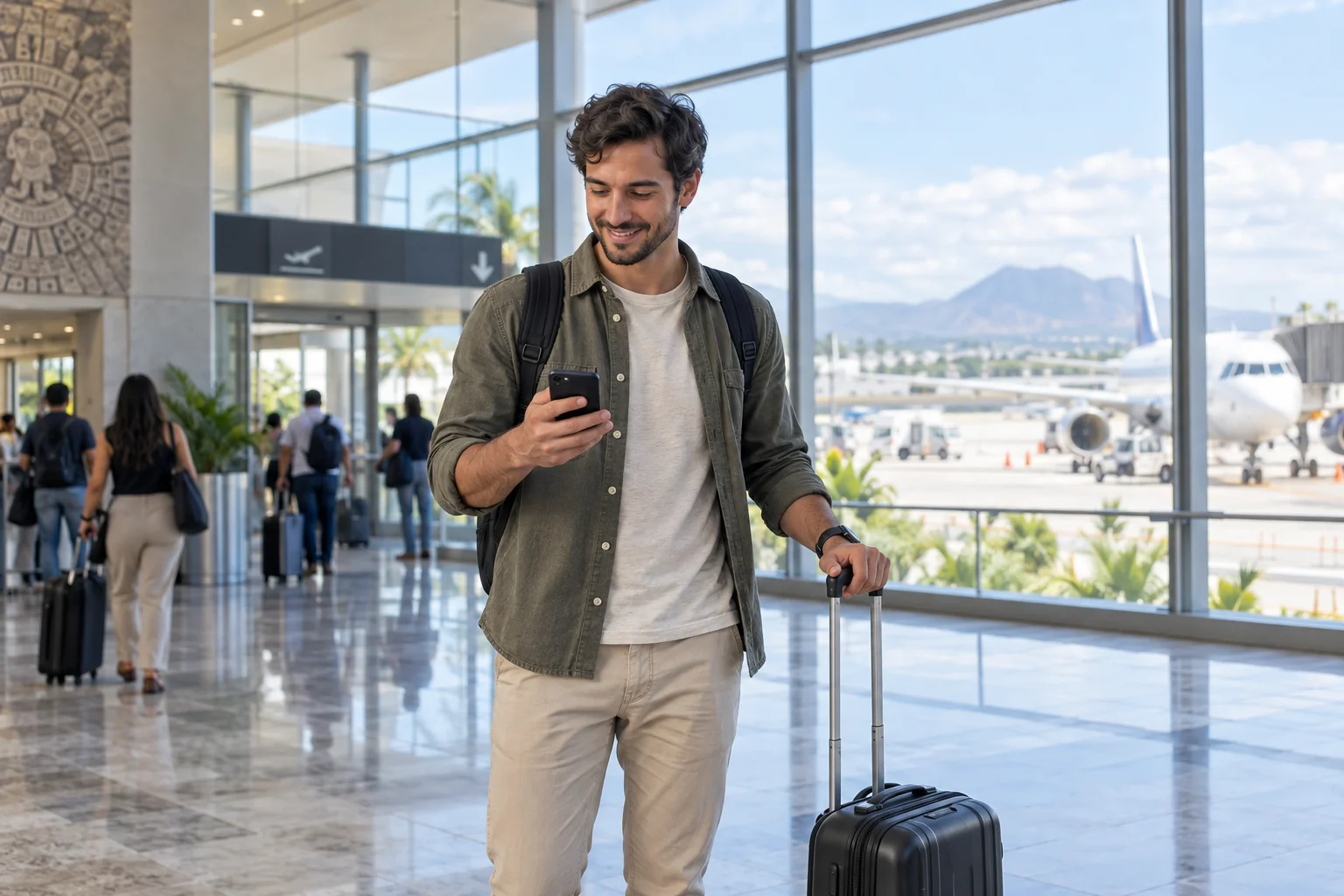
A traveler checks their phone beside their suitcase at an airport.

Arriving in Mexico

01 / On arrival

Get connected when you arrive in Mexico.

  • Find your route

    Check how to get to your hotel.

  • Share your arrival

    Send a message to family and friends.

  • Check your booking

    Review your accommodation address and details.

Find my eSIM
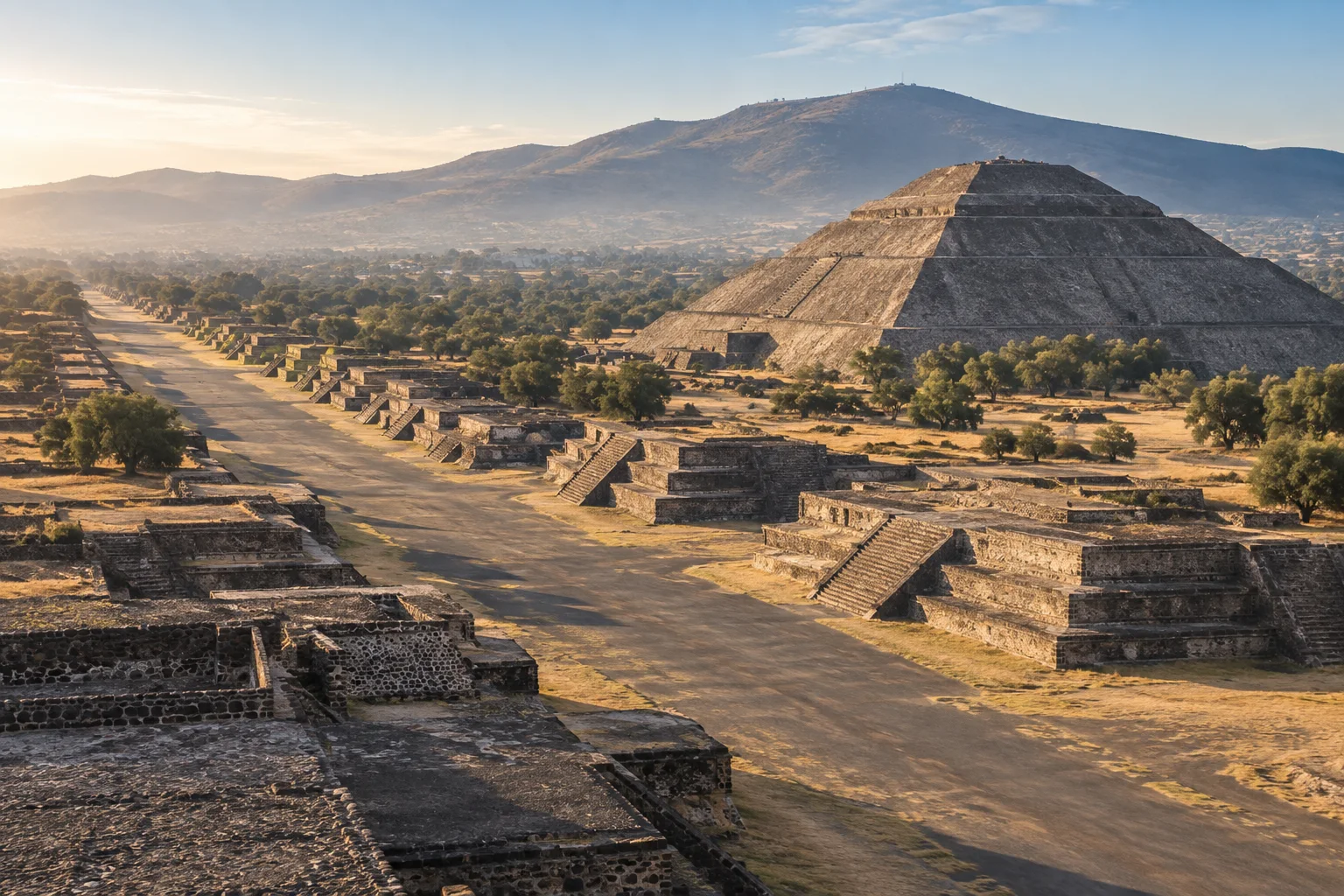
Teotihuacán · Estado de México

Teotihuacán · Estado de México

02 / Along the way

Your next stop isn’t always on the itinerary.

  • Find your way

    Look up addresses and plan your transfers.

  • Check before you go

    Review opening hours, access and bookings.

  • Share the journey

    Send photos and messages when connected.

Find my eSIM
Balandra Beach · Baja California Sur

Balandra Beach · Baja California Sur

03 / At your own pace

Enjoy the place. Keep the essentials with you.

  • Keep your conversations

    Use your usual apps with mobile data.

  • Plan your return

    Check your flight and transfer details.

  • Manage your data

    Usage depends on your apps; download maps before heading out.

Find my eSIM

Mobile data in Mexico. Coverage depends on local network availability.

Is your phone ready? →

Travel in Mexico

From the city
to the coast.

Bring mobile data to check the map, message home or look up your next booking along the way.

View eSIM plans
Palacio de Bellas Artes, Ciudad de México
01 / MX

Find your way downtown

Palacio de Bellas Artes

Ciudad de México

Maps and walking routes

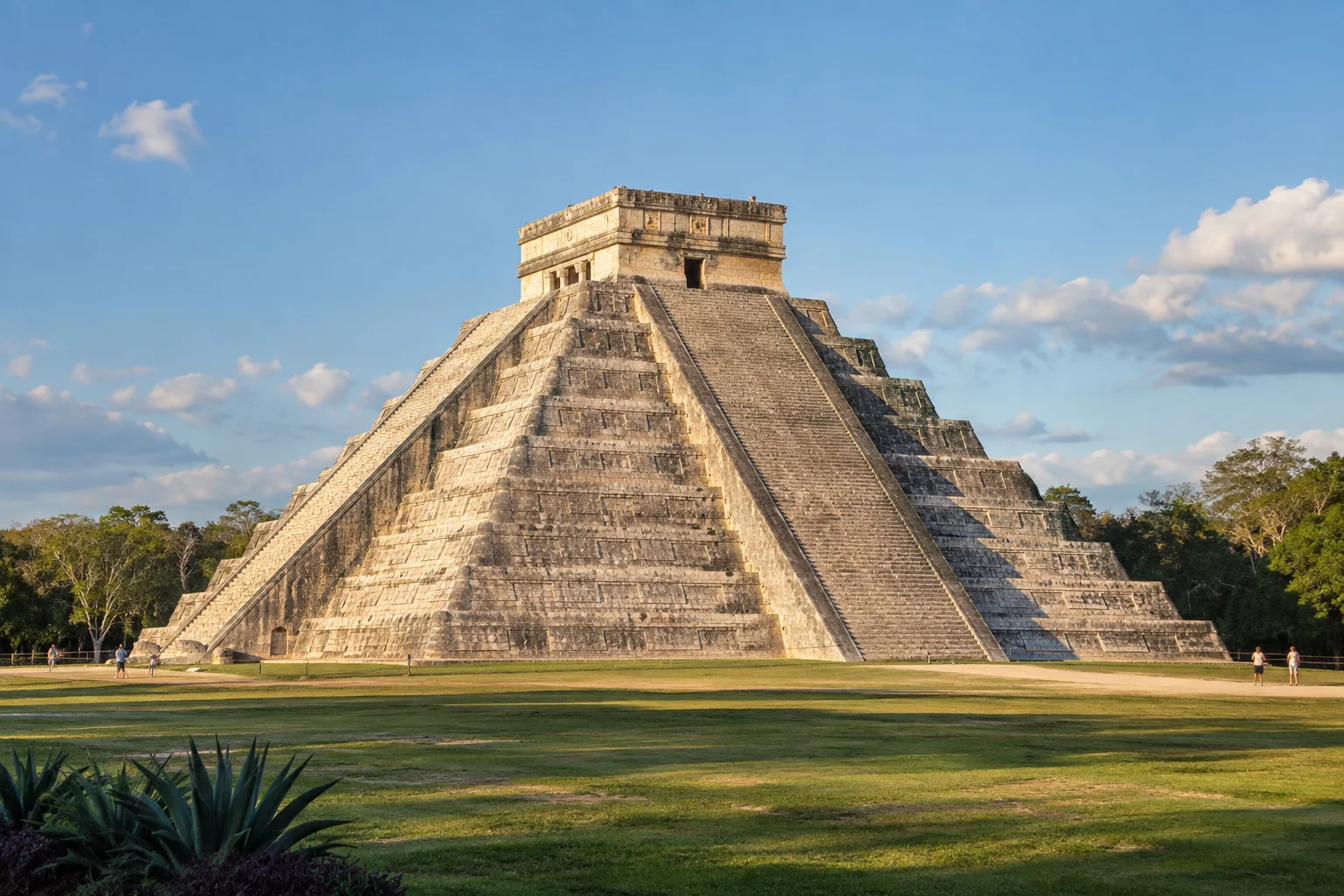
Chichén Itzá, Yucatán
02 / MX

Send the day’s photos

Chichén Itzá

Yucatán

Photos and messages

Playa Balandra, Baja California Sur
03 / MX

Check your next booking

Playa Balandra

Baja California Sur

Bookings and itineraries

Teotihuacán, Estado de México
04 / MX

Message the people back home

Teotihuacán

Estado de México

Messages along the way

Mobile coverage is subject to local network availability.

Before choosing your plan

Iyini i-eSIM?

I-eSIM iyi-SIM yedijithali eyakhelwe efonini yakho. Ayidingi uchiphu — skena ikhodi ye-QR ukuze uyisebenzise.

Check these two requirements before buying: a phone that supports eSIM and is unlocked for other carriers.

All checked. View plans

Ingabe ifoni yami iyahambisana?

Your phone supports eSIM

iPhone

Open Settings → Cellular → Add eSIM. Then check General → About → Carrier Lock: it should say “No SIM restrictions”.

Samsung Galaxy

Open Settings → Connections → SIM manager and look for “Add eSIM”. Also confirm with your carrier that the phone is unlocked.

Google Pixel and other Android phones

Open Settings → Network & internet → SIMs → Add SIM and look for the eSIM setup option. On other models, search Settings for “eSIM” and confirm carrier unlock with your operator.

Your phone is carrier-unlocked

It must accept other carriers. If you bought it from a mobile carrier, confirm with them that it has no network lock.

Options vary by model, country and software version. If “Add eSIM” does not appear, confirm compatibility with the manufacturer before buying.

YOUR CONNECTION, STEP BY STEP

Isebenza kanjani?

From checkout to mobile data: know what you need at every stage of your trip.

Ingabe ifoni yami iyahambisana?
DIGITAL DELIVERY

Your next connection

QR code and instructions in your inbox.

Illustration · not a scannable QR
From your inbox to your phone

Keep your instructions handy before installing.

Installation guide in English

BEFORE YOU BUYChoose a plan for your trip

Start with your phone and the dates of your stay.

  • Check that your specific phone model supports eSIM and is unlocked for other carriers.
  • Compare the included data, validity period, and plan conditions.
  • Use an email address you can access: your eSIM information will be delivered there.
AFTER YOUR PURCHASEReceive and install your eSIM

Your email contains the QR code and installation guide.

  • Check your inbox and spam folder for your eSIM email.
  • Connect to Wi-Fi. Read the activation conditions before preparing your eSIM for the trip.
  • Open the add-eSIM option in your phone settings and follow the guide you received. You can display the QR code on another screen to scan it.
WHEN USING IT IN MEXICOSelect your mobile data line

Choose your travel eSIM as the data line on your phone.

  • Find the eSIM in your settings; you can label it “Mexico” to recognize it.
  • Select it for mobile data and apply the roaming settings specified in its instructions.
  • Check your selected data line before browsing and avoid automatic data switching to your usual SIM.
FAQ

Imibuzo evame ukubuzwa

Iyini i-eSIM futhi isebenza kanjani?
I-eSIM iyi-SIM yedijithali eyakhelwe efonini yakho. Esikhundleni sokufaka uchiphu, uskena ikhodi ye-QR esikuthumelela yona nge-imeyili bese ifoni yakho izilungisa ngokuzenzela ukuze ixhume kunethiwekhi yaseMexico.
Ingabe ifoni yami iyahambisana ne-eSIM?
Amasmartphone amaningi anamuhla asekela i-eSIM: i-iPhone XS nangaphezulu, i-Samsung Galaxy S20+, i-Google Pixel 3+, i-Motorola Razr, nokunye. Hlola izilungiselelo zefoni yakho ukuze uthole inketho ethi "eSIM" noma "Data Plan".
Ngingakwazi ukushaya izingcingo nokuthumela ama-SMS nge-eSIM?
I-eSIM yakwa-MexSIM iyidatha kuphela (i-inthanethi). Ukuze ushaye izingcingo futhi uthumele ama-SMS, ungasebenzisa inombolo yakho ejwayelekile noma ama-app afana ne-WhatsApp, i-Telegram, noma i-FaceTime, asebenza ngokuphelele ngokuxhuma kwedatha.
Ngingayigcina inombolo yami ye-WhatsApp?
Yebo. I-eSIM yakho yakwa-MexSIM isebenza njengomugqa wesibili wedatha kuphela. I-SIM yakho eyinhloko (nenombolo yakho ye-WhatsApp) iyaqhubeka isebenza ngokujwayelekile.
Kuthatha isikhathi esingakanani ukuyisebenzisa?
Uthola i-QR nge-imeyili ngomzuzwana ngemva kokuthenga. Ukufaka kuthatha ngaphansi kwemizuzu engu-2. Ungayifaka ngaphambi kohambo bese iqala ukusebenza ngokuzenzela uma ufika eMexico.
Ngingakwazi ukwabelana nge-inthanethi (i-hotspot)?
Yebo, wonke amaplani ethu ahlanganisa i-hotspot ngaphandle kwezindleko ezengeziwe. Ungabelana ngokuxhuma kwakho namanye amadivayisi afana namakhompyutha nezingcwecwe.
Buka eminye imibuzo (9)
Ngizothola ijubane elingakanani le-inthanethi?
I-eSIM yethu ixhuma kumanethiwekhi angcono kakhulu aseMexico (i-Telcel ne-Movistar), inikeza amajubane e-4G/LTE. Ijubane elivamile lingu-20-50 Mbps, elanele ukusakaza, amakholi evidiyo, nokuphequlula.
Ngingayisebenzisa i-eSIM kumamephu, ezokuthutha nemiyalezo?
Yebo. I-eSIM ihlinzeka ngedatha yeselula yezinhlelo zokusebenza zamamephu, ezokuthutha nemiyalezo phakathi nohambo lwakho eMexico.
Kwenzekani uma ngiphelelwa yidatha?
Ungathenga iplani eyengeziwe nganoma yisiphi isikhathi kusizindalwazi sethu. I-QR entsha ifakwa ngemizuzu.
Ngingayifaka i-eSIM ngaphambi kokufika eMexico?
Yebo, sincoma ukufaka i-eSIM ngaphambi kohambo lwakho. Izoqala ukusebenza ngokuzenzela lapho ifoni yakho ithola inethiwekhi yaseMexico.
Ingabe ninalo usizo uma nginezinkinga?
Yebo, sinikezela ngosizo olunganoma yisiphi isikhathi ngesiNgisi nangesiSpanishi nge-imeyili nangengxoxo. Ithimba lethu lizokusiza nganoma yimiphi imibuzo mayelana nokufaka noma ukusebenzisa i-eSIM yakho.
Kuphephile ukuthenga kwi-MexSIM?
Yebo, zonke izinkokhelo zicutshungulwa nge-Stripe, enye yezinkundla zokukhokhela eziphephe kakhulu emhlabeni. Asigcini imininingwane yekhadi lakho.
Ngingathola imbuyiselo yemali?
Yebo, uma ungakayisebenzisi i-eSIM yakho (ungakayifaki), ungacela imbuyiselo yemali ephelele phakathi nezinsuku ezingu-30 ngemva kokuthenga.
Ngidinga ukuvula ifoni yami?
Ifoni yakho kufanele ivulwe (ingaboshiwe kumthwali othile) ukuze usebenzise i-eSIM evela komunye umhlinzeki. Amaselula amaningi athengwe ngaphandle kwenkontileka asevele evuliwe.
Ingabe i-eSIM isebenza kumathebhulethi nama-iPad?
Yebo, isebenza kuma-iPad namathebhulethi asekela i-eSIM (i-iPad Pro, i-iPad Air isizukulwane sesi-3 nangaphezulu, i-iPad Mini isizukulwane sesi-5 nangaphezulu).


MEXICO IS CALLING. YOUR eSIM IS READY.

Ukulungele ukuhlala uxhunyiwe eMexico?

Thenga i-eSIM yakho manje bese uhamba ngaphandle kokukhathazeka.

Thenga i-eSIM Manje First, check my phone
Turquoise water and white sand at Balandra Beach, Baja California Sur

Playa Balandra

Baja California Sur, México