Saltar al contenido
mexsim

Your travel eSIM for Mexico

Mexico begint zodra je verbonden bent

Je eSIM voor kaarten, vervoer en berichten tijdens de hele reis. Ontvang de QR per e-mail en activeer bij aankomst.

Install with a QRKeep your WhatsAppNo physical SIM
Secure Stripe payment QR delivered by email Keep your physical SIM
Choose your eSIM

Kies je plan

Snel internet met dekking in heel Mexico

Check my phone’s compatibility
Mexico mobile data plansPrices in MXN

Loading available plans…

✓ Payment processed by Stripe✓ Digital delivery by email✓ Keep your WhatsApp number
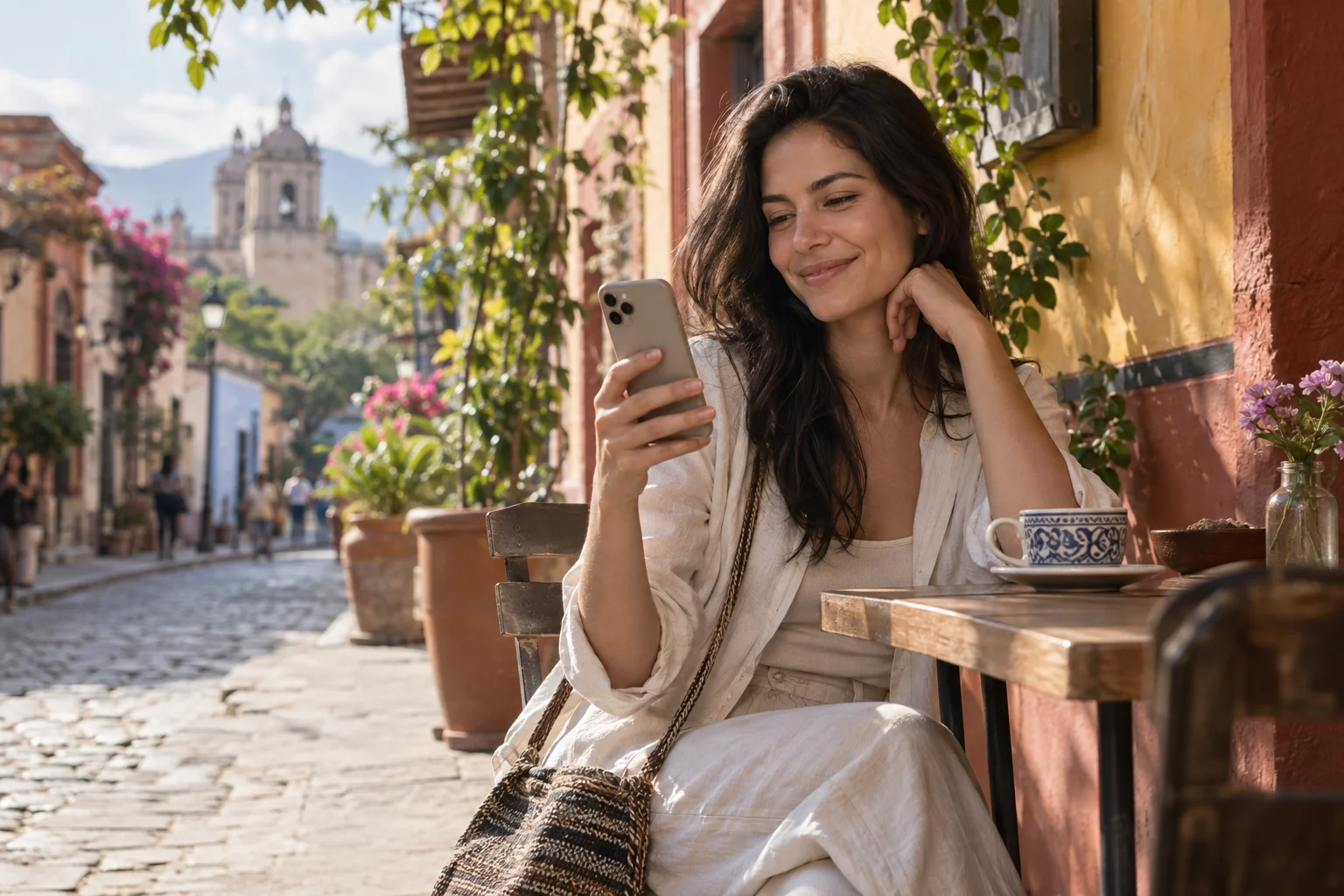
A traveler smiles at her phone on a café terrace in Mexico.
FamilyIllustrative conversation
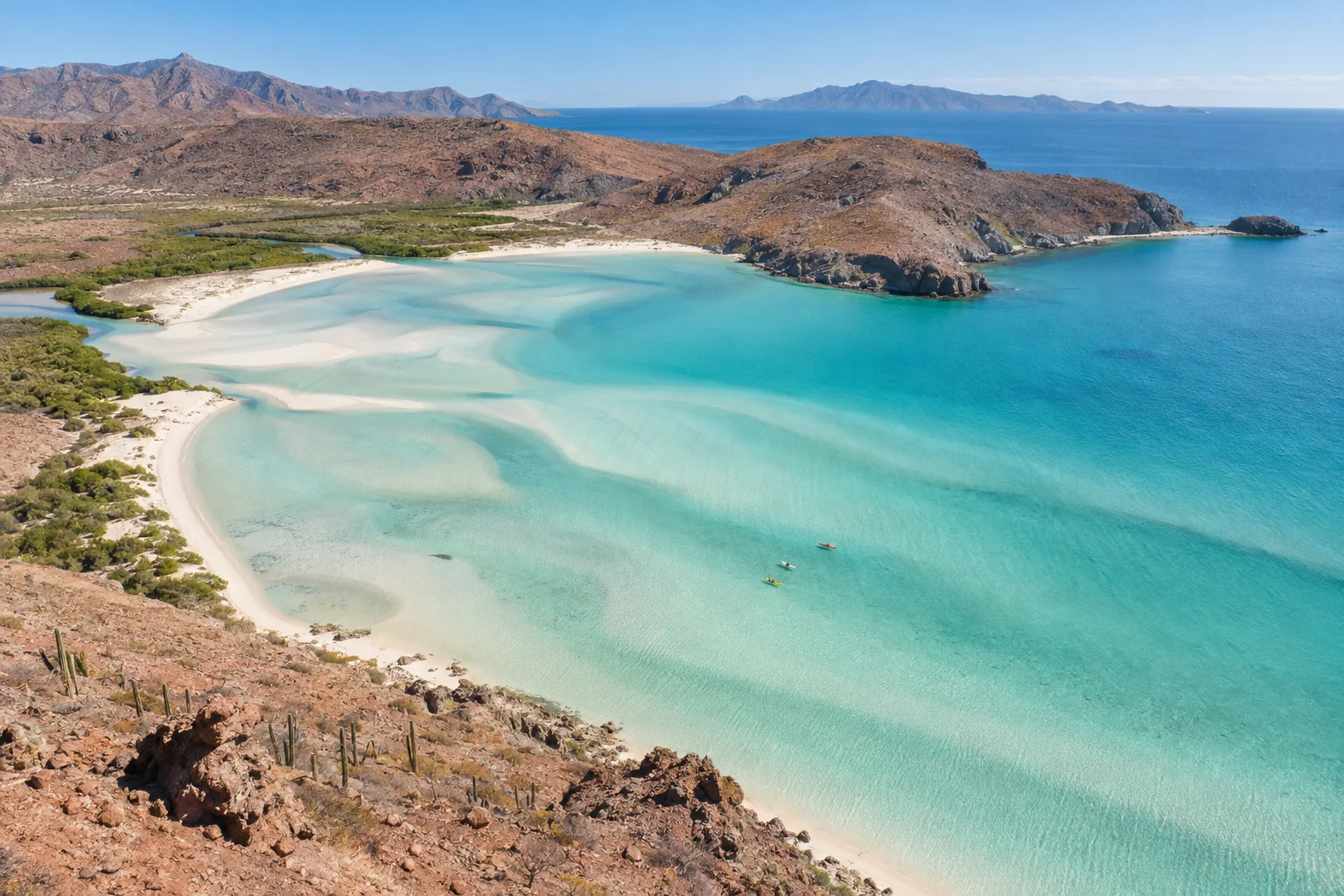
A photo of Balandra Beach shared with family.

Sharing a photo from my trip 😊

12:41

Beautiful! Enjoy every moment ❤️

12:42

Experience Mexico. Share the moment.

Far from home. Close to your world.

Some moments are too good to keep to yourself.

Share photos, send messages and stay in touch with family and friends as you explore Mexico. A travel eSIM lets you use your apps with mobile data during your stay.

  • Your conversations
  • Your places
  • Your moments
Bring your world along

Travel eSIM · Mexico

An eSIM that travels with you

Data for every part of your trip.

Your connection is part of the trip, from your first message on arrival to your last booking.

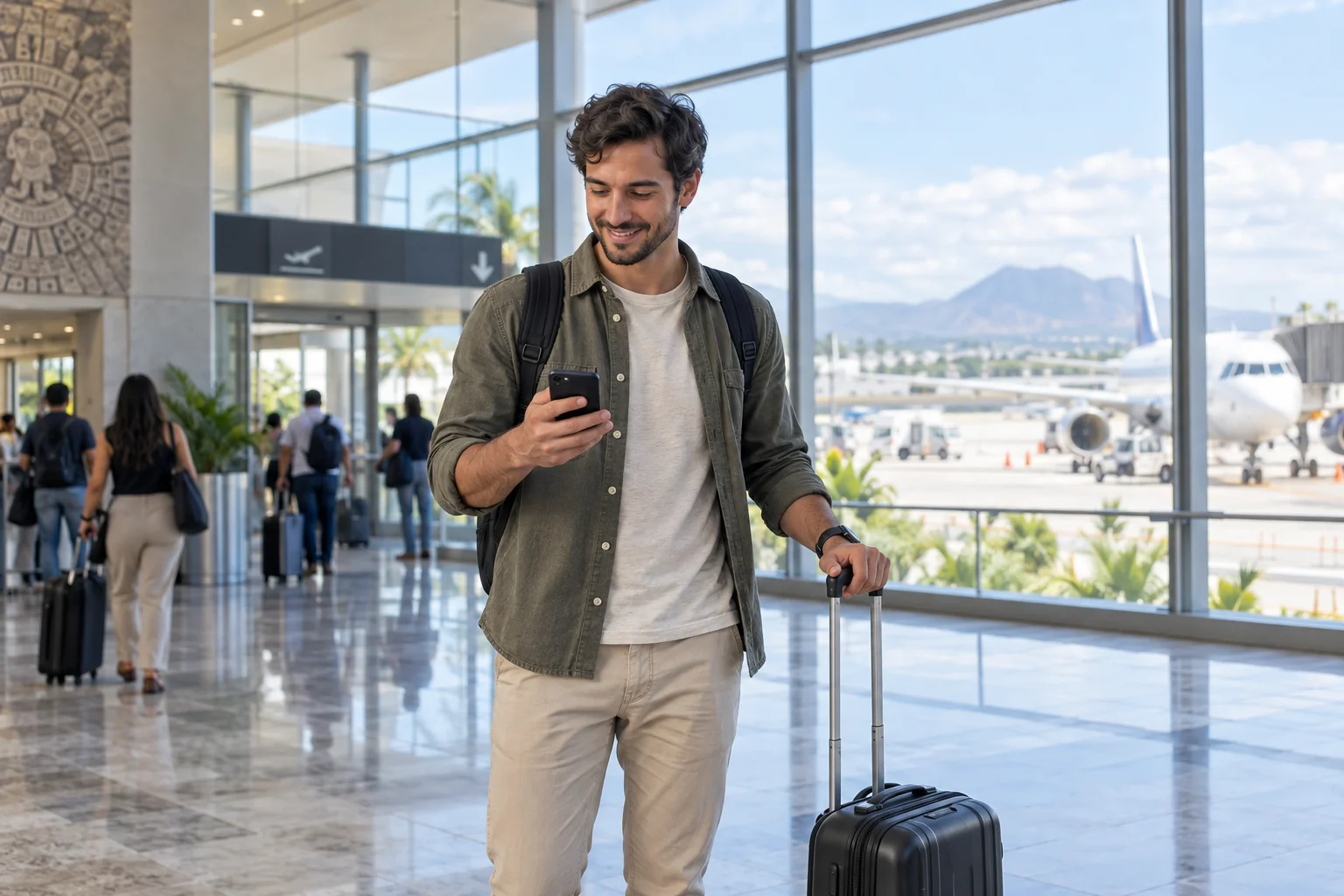
A traveler checks their phone beside their suitcase at an airport.

Arriving in Mexico

01 / On arrival

Get connected when you arrive in Mexico.

  • Find your route

    Check how to get to your hotel.

  • Share your arrival

    Send a message to family and friends.

  • Check your booking

    Review your accommodation address and details.

Find my eSIM
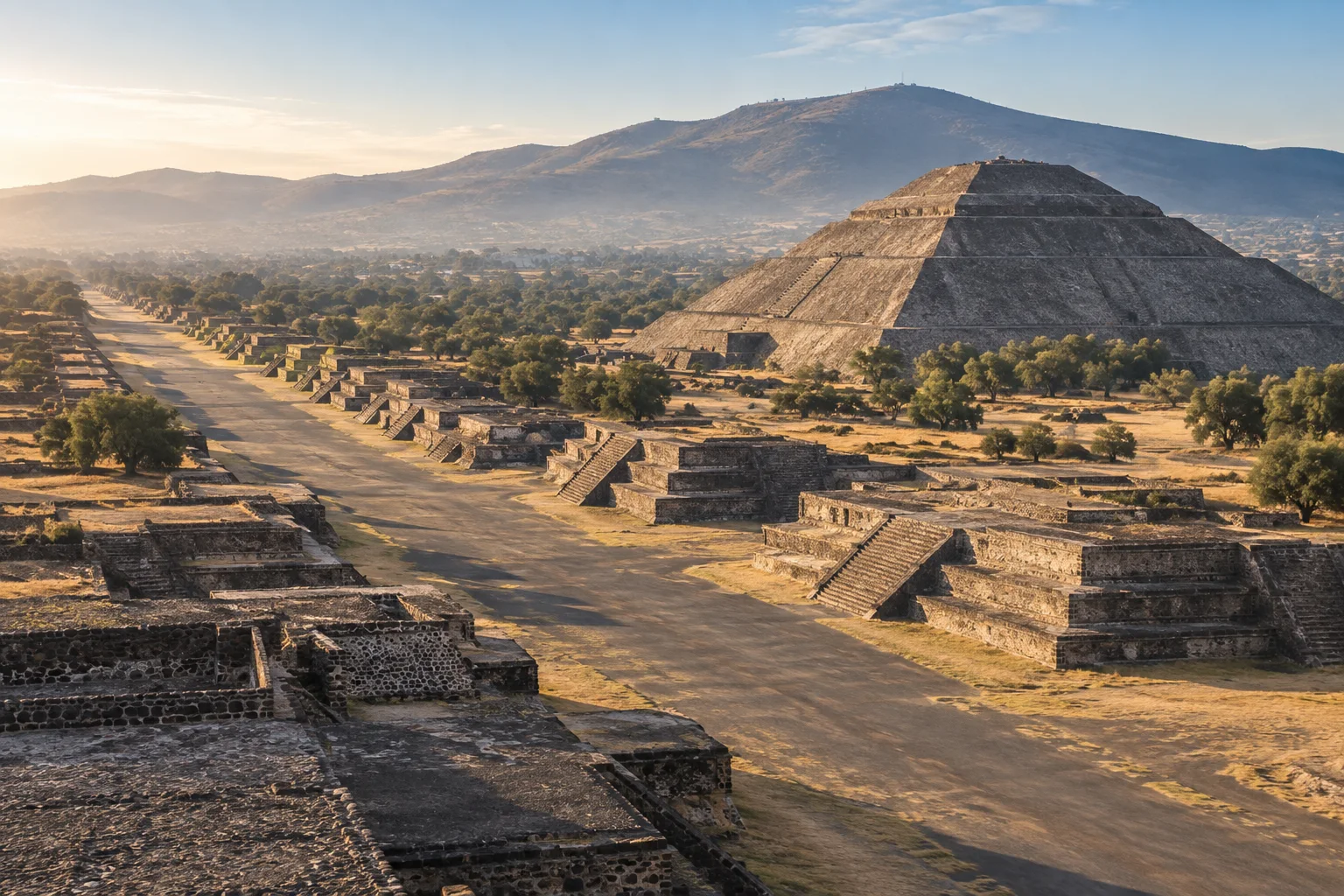
Teotihuacán · Estado de México

Teotihuacán · Estado de México

02 / Along the way

Your next stop isn’t always on the itinerary.

  • Find your way

    Look up addresses and plan your transfers.

  • Check before you go

    Review opening hours, access and bookings.

  • Share the journey

    Send photos and messages when connected.

Find my eSIM
Balandra Beach · Baja California Sur

Balandra Beach · Baja California Sur

03 / At your own pace

Enjoy the place. Keep the essentials with you.

  • Keep your conversations

    Use your usual apps with mobile data.

  • Plan your return

    Check your flight and transfer details.

  • Manage your data

    Usage depends on your apps; download maps before heading out.

Find my eSIM

Mobile data in Mexico. Coverage depends on local network availability.

Is your phone ready? →

Travel in Mexico

From the city
to the coast.

Bring mobile data to check the map, message home or look up your next booking along the way.

View eSIM plans
Palacio de Bellas Artes, Ciudad de México
01 / MX

Find your way downtown

Palacio de Bellas Artes

Ciudad de México

Maps and walking routes

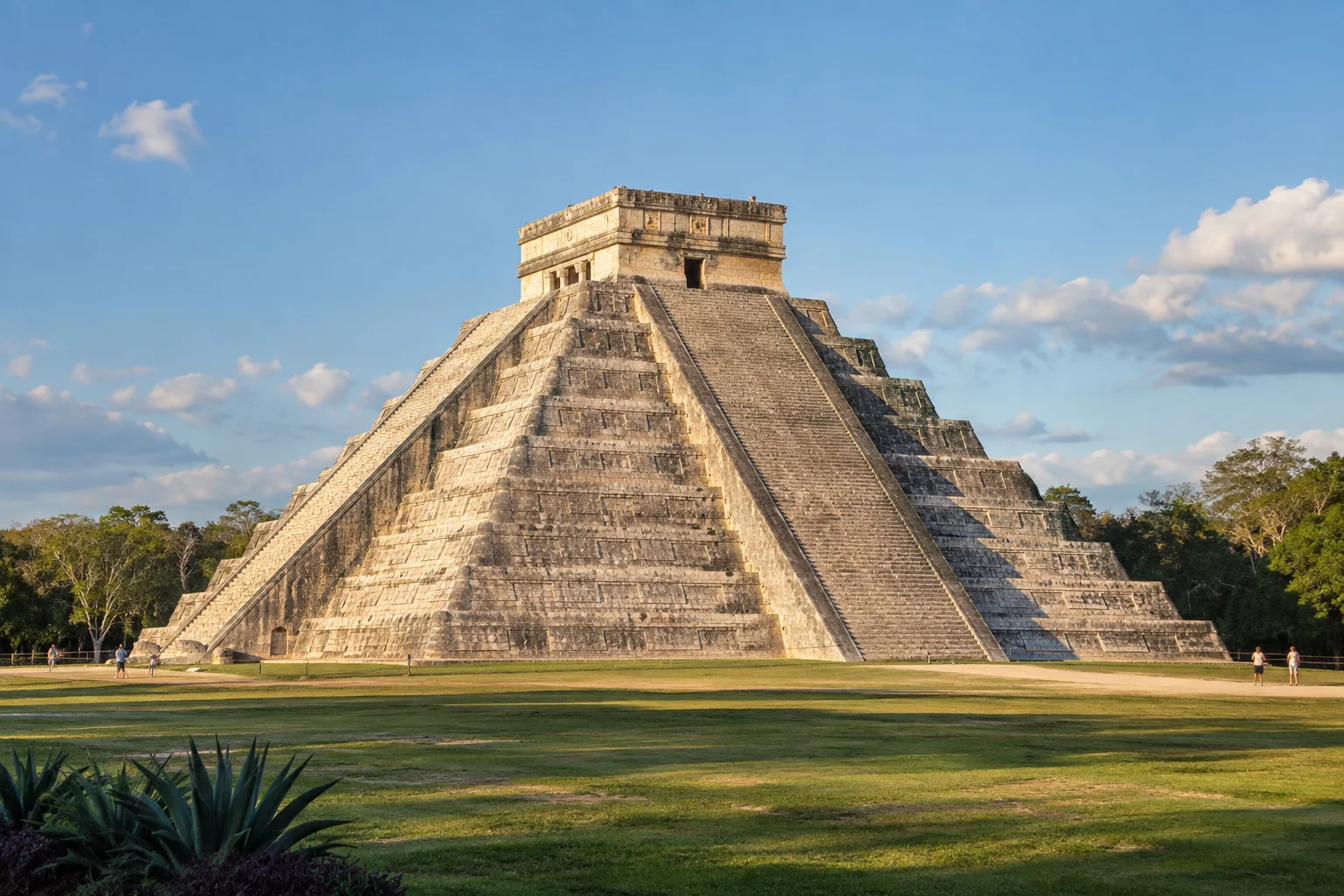
Chichén Itzá, Yucatán
02 / MX

Send the day’s photos

Chichén Itzá

Yucatán

Photos and messages

Playa Balandra, Baja California Sur
03 / MX

Check your next booking

Playa Balandra

Baja California Sur

Bookings and itineraries

Teotihuacán, Estado de México
04 / MX

Message the people back home

Teotihuacán

Estado de México

Messages along the way

Mobile coverage is subject to local network availability.

Before choosing your plan

Wat is een eSIM?

Een eSIM is een digitale SIM die in je telefoon is ingebouwd. Geen fysieke chip nodig — scan gewoon een QR-code om te activeren.

Check these two requirements before buying: a phone that supports eSIM and is unlocked for other carriers.

All checked. View plans

Is mijn telefoon compatibel?

Your phone supports eSIM

iPhone

Open Settings → Cellular → Add eSIM. Then check General → About → Carrier Lock: it should say “No SIM restrictions”.

Samsung Galaxy

Open Settings → Connections → SIM manager and look for “Add eSIM”. Also confirm with your carrier that the phone is unlocked.

Google Pixel and other Android phones

Open Settings → Network & internet → SIMs → Add SIM and look for the eSIM setup option. On other models, search Settings for “eSIM” and confirm carrier unlock with your operator.

Your phone is carrier-unlocked

It must accept other carriers. If you bought it from a mobile carrier, confirm with them that it has no network lock.

Options vary by model, country and software version. If “Add eSIM” does not appear, confirm compatibility with the manufacturer before buying.

YOUR CONNECTION, STEP BY STEP

Hoe werkt het?

From checkout to mobile data: know what you need at every stage of your trip.

Is mijn telefoon compatibel?
DIGITAL DELIVERY

Your next connection

QR code and instructions in your inbox.

Illustration · not a scannable QR
From your inbox to your phone

Keep your instructions handy before installing.

Installation guide in English

BEFORE YOU BUYChoose a plan for your trip

Start with your phone and the dates of your stay.

  • Check that your specific phone model supports eSIM and is unlocked for other carriers.
  • Compare the included data, validity period, and plan conditions.
  • Use an email address you can access: your eSIM information will be delivered there.
AFTER YOUR PURCHASEReceive and install your eSIM

Your email contains the QR code and installation guide.

  • Check your inbox and spam folder for your eSIM email.
  • Connect to Wi-Fi. Read the activation conditions before preparing your eSIM for the trip.
  • Open the add-eSIM option in your phone settings and follow the guide you received. You can display the QR code on another screen to scan it.
WHEN USING IT IN MEXICOSelect your mobile data line

Choose your travel eSIM as the data line on your phone.

  • Find the eSIM in your settings; you can label it “Mexico” to recognize it.
  • Select it for mobile data and apply the roaming settings specified in its instructions.
  • Check your selected data line before browsing and avoid automatic data switching to your usual SIM.
FAQ

Veelgestelde vragen

Wat is een eSIM en hoe werkt het?
Een eSIM is een digitale SIM die in je telefoon is ingebouwd. In plaats van een fysieke chip te plaatsen, scan je een QR-code die we naar je e-mail sturen en je telefoon wordt automatisch geconfigureerd om verbinding te maken met het netwerk in Mexico.
Is mijn telefoon compatibel met eSIM?
De meeste moderne smartphones ondersteunen eSIM: iPhone XS en nieuwer, Samsung Galaxy S20+, Google Pixel 3+, Motorola Razr en meer. Controleer je telefooninstellingen en zoek naar de optie "eSIM" of "Databundel".
Kan ik bellen en sms'en met de eSIM?
De MexSIM eSIM is alleen voor data (internet). Voor bellen en sms kun je je gewone nummer gebruiken of apps zoals WhatsApp, Telegram of FaceTime, die perfect werken met de dataverbinding.
Kan ik mijn WhatsApp-nummer behouden?
Ja. Je MexSIM eSIM werkt als een tweede lijn alleen voor data. Je primaire SIM (en je WhatsApp-nummer) blijven normaal werken.
Hoe lang duurt de activering?
Je ontvangt de QR-code per e-mail binnen enkele seconden na aankoop. De installatie duurt minder dan 2 minuten. Je kunt de eSIM voor je reis installeren en deze wordt automatisch geactiveerd bij aankomst in Mexico.
Kan ik internet delen (hotspot)?
Ja, al onze plannen bevatten hotspot zonder extra kosten. Je kunt je verbinding delen met andere apparaten zoals laptops of tablets.
Meer vragen bekijken (9)
Welke internetsnelheid krijg ik?
Onze eSIM maakt verbinding met de beste netwerken van Mexico (Telcel en Movistar) en biedt 4G/LTE-snelheden. De typische snelheid is 20-50 Mbps, voldoende voor streaming, videobellen en browsen.
Kan ik de eSIM gebruiken voor kaarten, vervoer en berichten?
Ja. De eSIM biedt mobiele data voor kaart-, vervoer- en berichtenapps tijdens je reis in Mexico.
Wat gebeurt er als mijn data op is?
Je kunt op elk moment een aanvullend plan kopen via onze website. De nieuwe QR-code is binnen enkele minuten geïnstalleerd.
Kan ik de eSIM installeren voordat ik in Mexico aankom?
Ja, we raden aan om de eSIM voor je reis te installeren. Deze wordt automatisch geactiveerd wanneer je telefoon het Mexicaanse netwerk detecteert.
Bieden jullie ondersteuning als ik problemen heb?
Bekijk de contactkanalen op de website als je hulp nodig hebt bij het installeren of gebruiken van je eSIM.
Is het veilig om bij MexSIM te kopen?
Ja, alle betalingen worden verwerkt via Stripe, een van de veiligste betaalplatforms ter wereld. We slaan nooit je kaartgegevens op.
Kan ik een terugbetaling krijgen?
Ja, als je je eSIM nog niet hebt gebruikt (niet hebt geïnstalleerd), kun je binnen 30 dagen na aankoop een volledige terugbetaling aanvragen.
Moet mijn telefoon ontgrendeld zijn?
Je telefoon moet ontgrendeld zijn (niet gebonden aan een specifieke provider) om een eSIM van een andere aanbieder te gebruiken. De meeste telefoons die zonder contract zijn gekocht, zijn al ontgrendeld.
Werkt de eSIM op tablets en iPads?
Ja, het werkt op iPads en tablets die eSIM ondersteunen (iPad Pro, iPad Air 3e generatie en nieuwer, iPad Mini 5e generatie en nieuwer).


MEXICO IS CALLING. YOUR eSIM IS READY.

Klaar om verbonden te blijven in Mexico?

Koop nu je eSIM en reis zonder zorgen.

eSIM Nu Kopen First, check my phone
Turquoise water and white sand at Balandra Beach, Baja California Sur

Playa Balandra

Baja California Sur, México