Saltar al contenido
mexsim

Your travel eSIM for Mexico

Mexiko begin wanneer jy koppel

Jou eSIM vir kaarte, vervoer en boodskappe deur jou hele reis. Ontvang die QR-kode per e-pos en aktiveer dit wanneer jy land.

Install with a QRKeep your WhatsAppNo physical SIM
Secure Stripe payment QR delivered by email Keep your physical SIM
Choose your eSIM

Kies jou plan

Hoëspoed-internet met dekking regoor Mexiko

Check my phone’s compatibility
Mexico mobile data plansPrices in MXN

Loading available plans…

✓ Payment processed by Stripe✓ Digital delivery by email✓ Keep your WhatsApp number
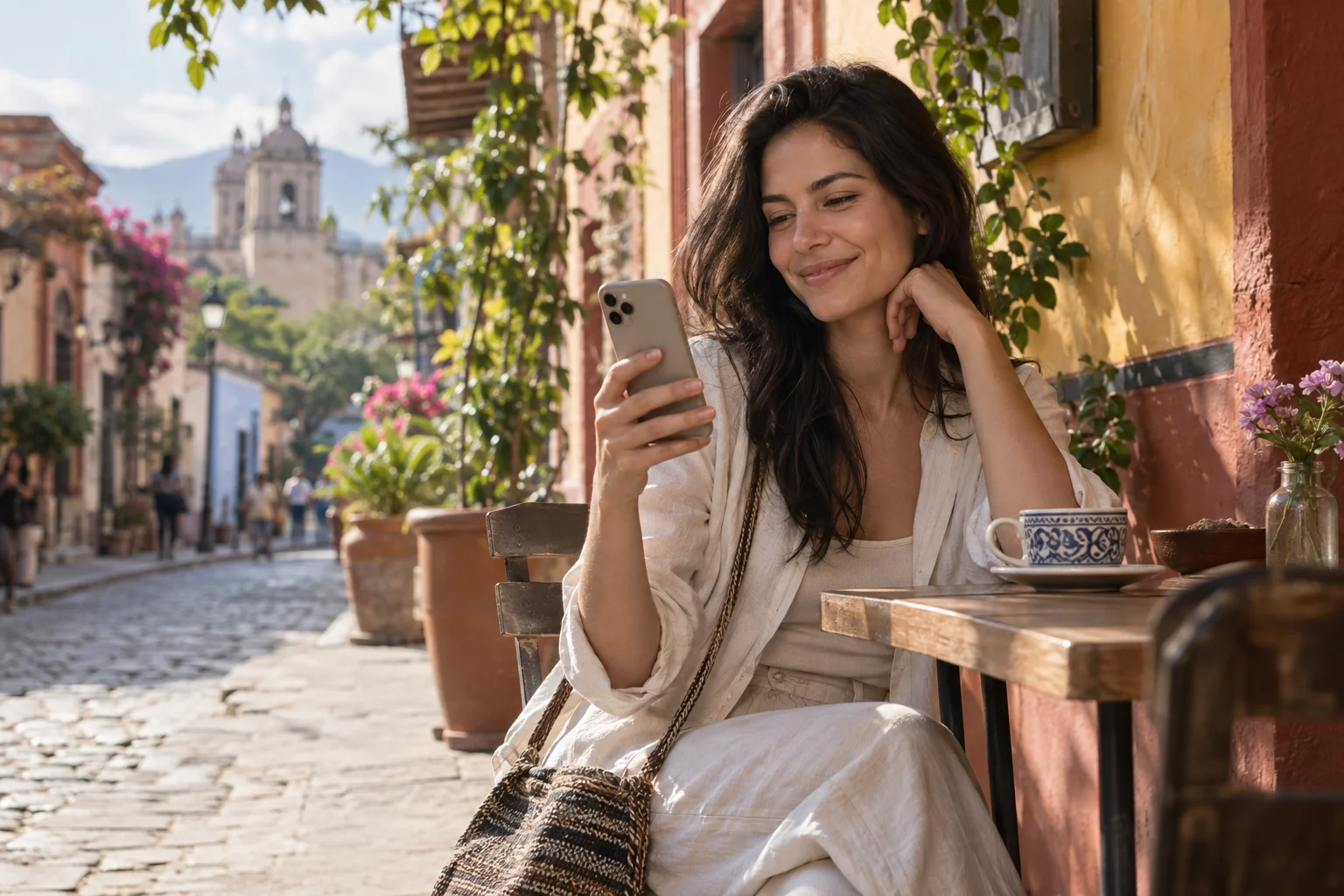
A traveler smiles at her phone on a café terrace in Mexico.
FamilyIllustrative conversation
A photo of Balandra Beach shared with family.

Sharing a photo from my trip 😊

12:41

Beautiful! Enjoy every moment ❤️

12:42

Experience Mexico. Share the moment.

Far from home. Close to your world.

Some moments are too good to keep to yourself.

Share photos, send messages and stay in touch with family and friends as you explore Mexico. A travel eSIM lets you use your apps with mobile data during your stay.

  • Your conversations
  • Your places
  • Your moments
Bring your world along

Travel eSIM · Mexico

An eSIM that travels with you

Data for every part of your trip.

Your connection is part of the trip, from your first message on arrival to your last booking.

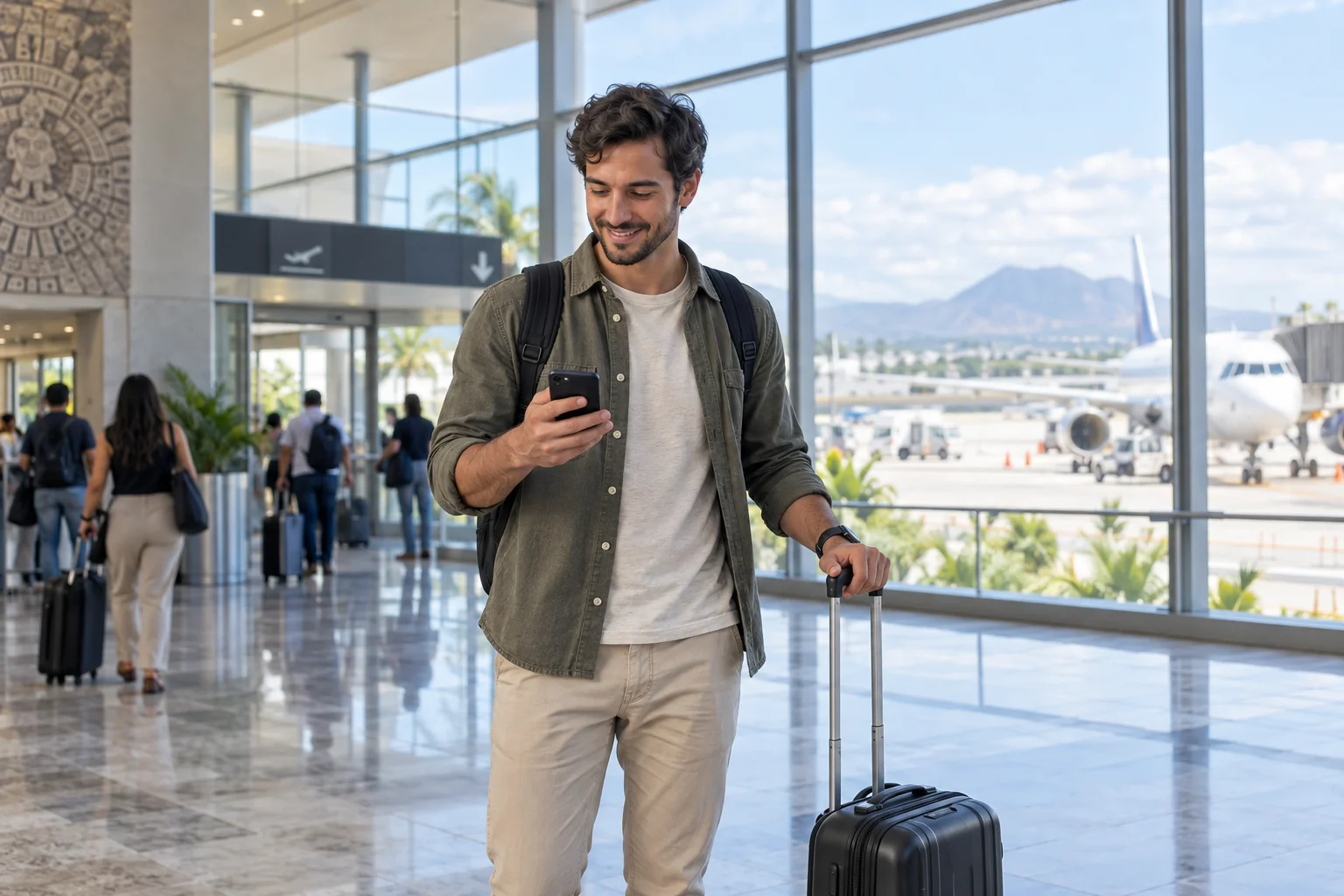
A traveler checks their phone beside their suitcase at an airport.

Arriving in Mexico

01 / On arrival

Get connected when you arrive in Mexico.

  • Find your route

    Check how to get to your hotel.

  • Share your arrival

    Send a message to family and friends.

  • Check your booking

    Review your accommodation address and details.

Find my eSIM
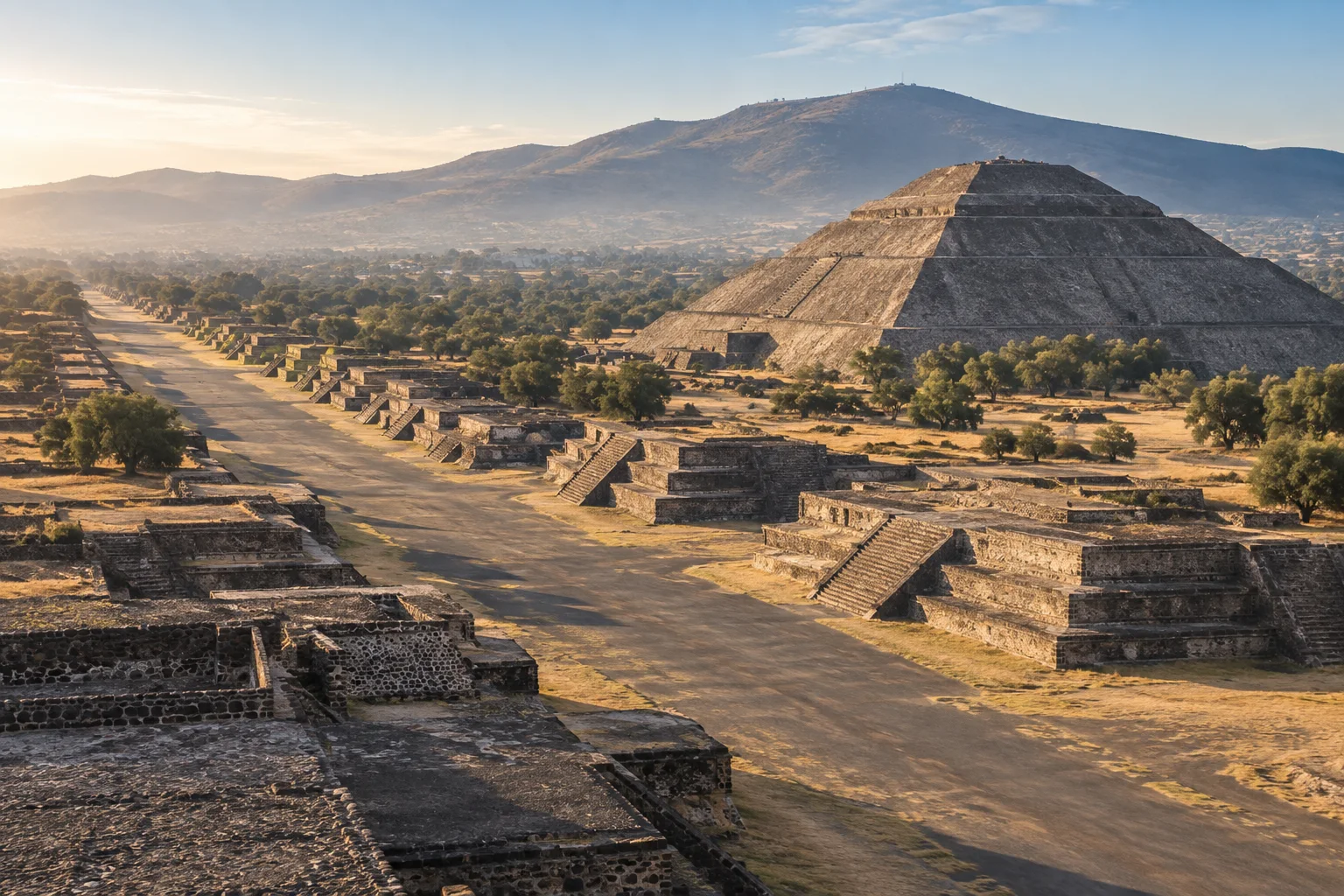
Teotihuacán · Estado de México

Teotihuacán · Estado de México

02 / Along the way

Your next stop isn’t always on the itinerary.

  • Find your way

    Look up addresses and plan your transfers.

  • Check before you go

    Review opening hours, access and bookings.

  • Share the journey

    Send photos and messages when connected.

Find my eSIM
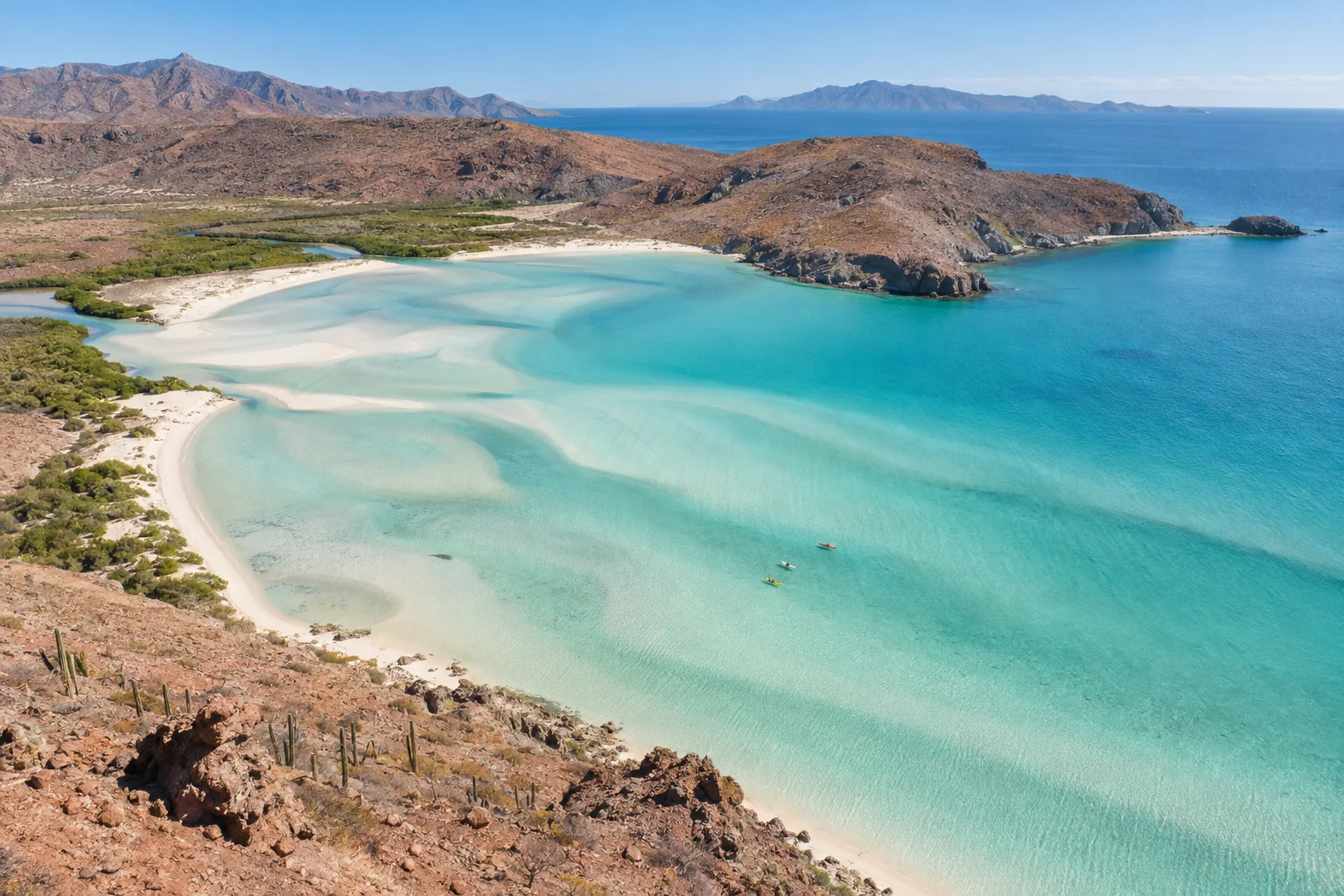
Balandra Beach · Baja California Sur

Balandra Beach · Baja California Sur

03 / At your own pace

Enjoy the place. Keep the essentials with you.

  • Keep your conversations

    Use your usual apps with mobile data.

  • Plan your return

    Check your flight and transfer details.

  • Manage your data

    Usage depends on your apps; download maps before heading out.

Find my eSIM

Mobile data in Mexico. Coverage depends on local network availability.

Is your phone ready? →

Travel in Mexico

From the city
to the coast.

Bring mobile data to check the map, message home or look up your next booking along the way.

View eSIM plans
Palacio de Bellas Artes, Ciudad de México
01 / MX

Find your way downtown

Palacio de Bellas Artes

Ciudad de México

Maps and walking routes

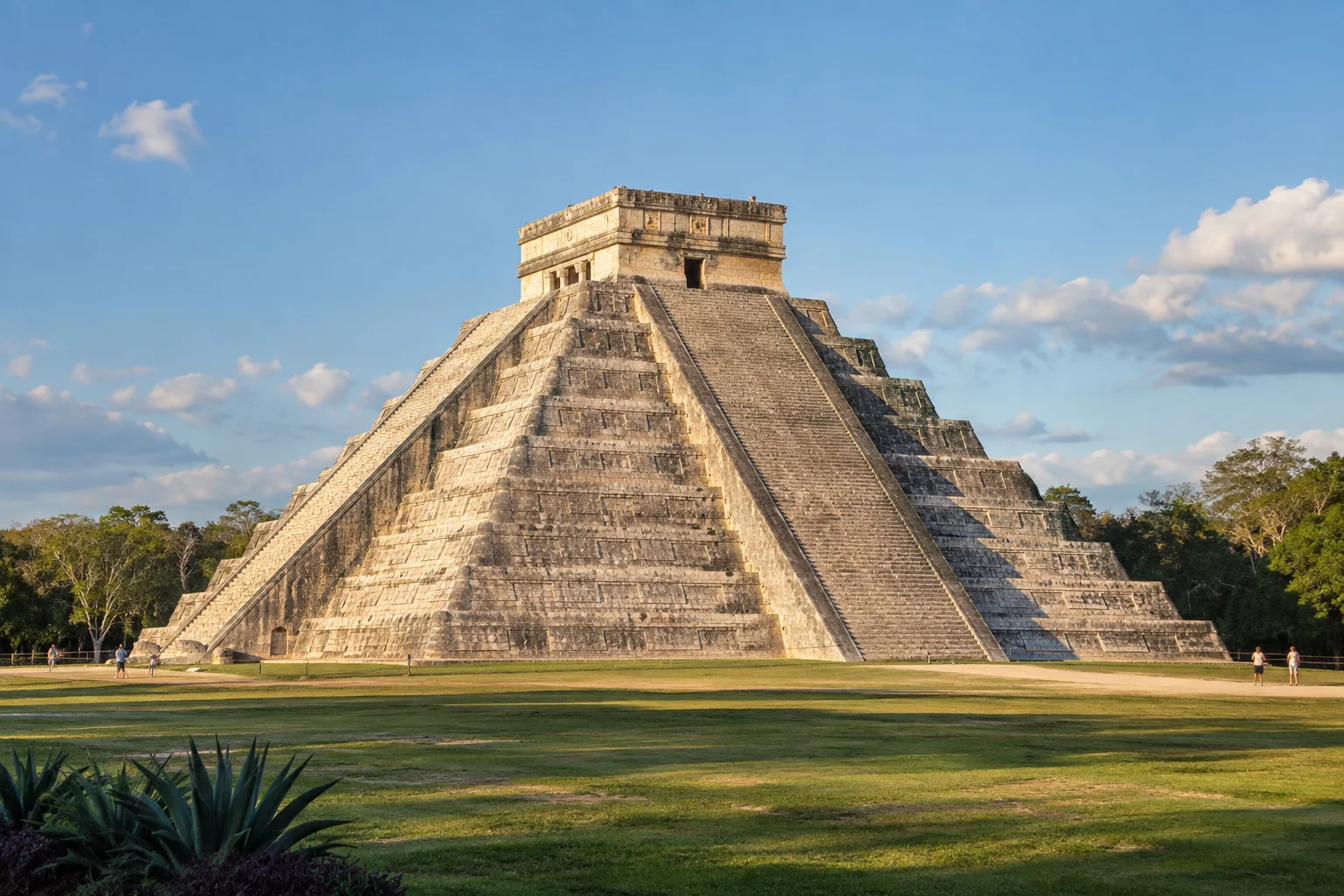
Chichén Itzá, Yucatán
02 / MX

Send the day’s photos

Chichén Itzá

Yucatán

Photos and messages

Playa Balandra, Baja California Sur
03 / MX

Check your next booking

Playa Balandra

Baja California Sur

Bookings and itineraries

Teotihuacán, Estado de México
04 / MX

Message the people back home

Teotihuacán

Estado de México

Messages along the way

Mobile coverage is subject to local network availability.

Before choosing your plan

Wat is 'n eSIM?

'n eSIM is 'n digitale SIM wat in jou foon ingebou is. Geen fisiese skyfie nodig nie — skandeer net 'n QR-kode om dit te aktiveer.

Check these two requirements before buying: a phone that supports eSIM and is unlocked for other carriers.

All checked. View plans

Is my foon versoenbaar?

Your phone supports eSIM

iPhone

Open Settings → Cellular → Add eSIM. Then check General → About → Carrier Lock: it should say “No SIM restrictions”.

Samsung Galaxy

Open Settings → Connections → SIM manager and look for “Add eSIM”. Also confirm with your carrier that the phone is unlocked.

Google Pixel and other Android phones

Open Settings → Network & internet → SIMs → Add SIM and look for the eSIM setup option. On other models, search Settings for “eSIM” and confirm carrier unlock with your operator.

Your phone is carrier-unlocked

It must accept other carriers. If you bought it from a mobile carrier, confirm with them that it has no network lock.

Options vary by model, country and software version. If “Add eSIM” does not appear, confirm compatibility with the manufacturer before buying.

YOUR CONNECTION, STEP BY STEP

Hoe werk dit?

From checkout to mobile data: know what you need at every stage of your trip.

Is my foon versoenbaar?
DIGITAL DELIVERY

Your next connection

QR code and instructions in your inbox.

Illustration · not a scannable QR
From your inbox to your phone

Keep your instructions handy before installing.

Installation guide in English

BEFORE YOU BUYChoose a plan for your trip

Start with your phone and the dates of your stay.

  • Check that your specific phone model supports eSIM and is unlocked for other carriers.
  • Compare the included data, validity period, and plan conditions.
  • Use an email address you can access: your eSIM information will be delivered there.
AFTER YOUR PURCHASEReceive and install your eSIM

Your email contains the QR code and installation guide.

  • Check your inbox and spam folder for your eSIM email.
  • Connect to Wi-Fi. Read the activation conditions before preparing your eSIM for the trip.
  • Open the add-eSIM option in your phone settings and follow the guide you received. You can display the QR code on another screen to scan it.
WHEN USING IT IN MEXICOSelect your mobile data line

Choose your travel eSIM as the data line on your phone.

  • Find the eSIM in your settings; you can label it “Mexico” to recognize it.
  • Select it for mobile data and apply the roaming settings specified in its instructions.
  • Check your selected data line before browsing and avoid automatic data switching to your usual SIM.
FAQ

Gereelde vrae

Wat is 'n eSIM en hoe werk dit?
'n eSIM is 'n digitale SIM wat in jou foon ingebou is. In plaas van om 'n fisiese skyfie in te sit, skandeer jy 'n QR-kode wat ons na jou e-pos stuur en jou foon stel outomaties op om aan die netwerk in Mexiko te koppel.
Is my foon versoenbaar met eSIM?
Die meeste moderne slimfone ondersteun eSIM: iPhone XS en later, Samsung Galaxy S20+, Google Pixel 3+, Motorola Razr, en meer. Kyk in jou fooninstellings vir 'n "eSIM"- of "Dataplan"-opsie.
Kan ek oproepe maak en SMS'e stuur met die eSIM?
Die MexSIM eSIM is slegs vir data (internet). Vir oproepe en SMS'e kan jy jou gewone nommer of programme soos WhatsApp, Telegram of FaceTime gebruik, wat perfek met die dataverbinding werk.
Kan ek my WhatsApp-nommer behou?
Ja. Jou MexSIM eSIM werk as 'n tweede lyn slegs vir data. Jou primêre SIM (en jou WhatsApp-nommer) werk steeds normaalweg.
Hoe lank neem aktivering?
Jy ontvang die QR per e-pos binne sekondes na aankoop. Installasie neem minder as 2 minute. Jy kan dit voor jou reis installeer en dit sal outomaties aktiveer wanneer jy in Mexiko aankom.
Kan ek internet deel (hotspot)?
Ja, al ons planne sluit hotspot in teen geen ekstra koste nie. Jy kan jou verbinding met ander toestelle soos skootrekenaars of tablette deel.
Sien meer vrae (9)
Watter internetspoed sal ek kry?
Ons eSIM koppel aan Mexiko se beste netwerke (Telcel en Movistar) en bied 4G/LTE-spoed. Tipiese spoed is 20-50 Mbps, genoeg vir stroom, video-oproepe en blaai.
Kan ek die eSIM vir kaarte, vervoer en boodskappe gebruik?
Ja. Die eSIM bied mobiele data vir kaart-, vervoer- en boodskaptoepassings tydens jou reis in Mexiko.
Wat gebeur as my data opraak?
Jy kan enige tyd 'n bykomende plan op ons webwerf koop. Die nuwe QR installeer binne minute.
Kan ek die eSIM installeer voor ek in Mexiko aankom?
Ja, ons beveel aan om die eSIM voor jou reis te installeer. Dit sal outomaties aktiveer wanneer jou foon die Mexikaanse netwerk opspoor.
Bied julle ondersteuning as ek probleme het?
Gebruik die kontakkanale op die webwerf as jy hulp nodig het om jou eSIM te installeer of te gebruik.
Is dit veilig om by MexSIM te koop?
Ja, alle betalings word deur Stripe verwerk, een van die veiligste betalingsplatforms ter wêreld. Ons stoor nooit jou kaartbesonderhede nie.
Kan ek 'n terugbetaling kry?
Ja, as jy nog nie jou eSIM gebruik het nie (dit nog nie geïnstalleer het nie), kan jy binne 30 dae na aankoop 'n volle terugbetaling versoek.
Moet ek my foon ontsluit?
Jou foon moet ontsluit wees (nie aan 'n spesifieke diensverskaffer gebind nie) om 'n eSIM van 'n ander verskaffer te gebruik. Die meeste fone wat sonder 'n kontrak gekoop is, is reeds ontsluit.
Werk die eSIM op tablette en iPads?
Ja, dit werk op iPads en tablette wat eSIM ondersteun (iPad Pro, iPad Air 3de generasie en later, iPad Mini 5de generasie en later).


MEXICO IS CALLING. YOUR eSIM IS READY.

Gereed om gekoppel te bly in Mexiko?

Koop jou eSIM nou en reis sorgvry.

Koop Nou eSIM First, check my phone
Turquoise water and white sand at Balandra Beach, Baja California Sur

Playa Balandra

Baja California Sur, México