


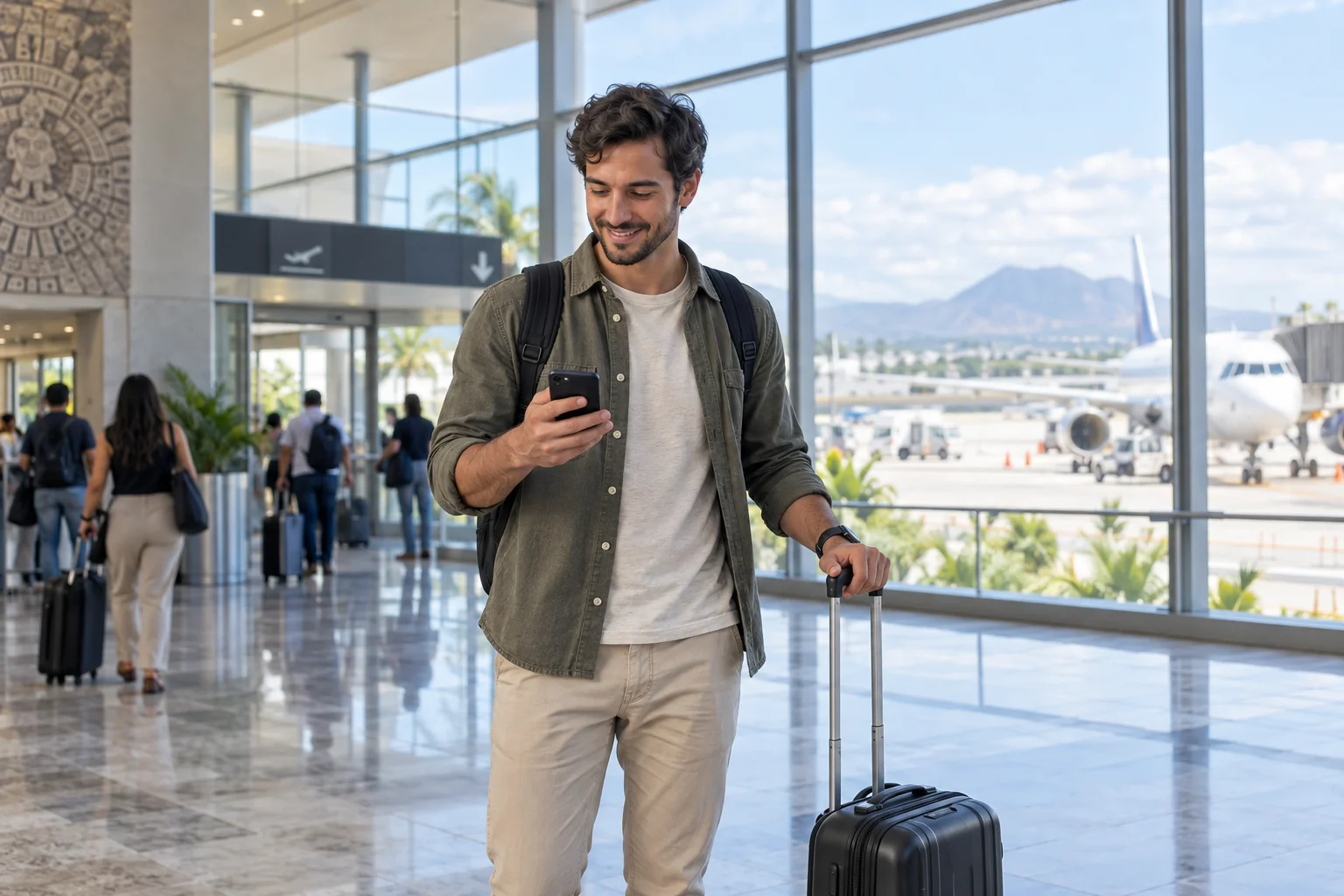
Arriving in Mexico
Get connected when you arrive in Mexico.
- Find your route
Check how to get to your hotel.
- Share your arrival
Send a message to family and friends.
- Check your booking
Review your accommodation address and details.
Your travel eSIM for Mexico
地図、移動、メッセージに使える旅行用eSIM。QRをメールで受け取り、到着後に有効化できます。
メキシコ全域をカバーする高速インターネット
Check my phone’s compatibilityLoading available plans…
Experience Mexico. Share the moment.
Some moments are too good to keep to yourself.
Share photos, send messages and stay in touch with family and friends as you explore Mexico. A travel eSIM lets you use your apps with mobile data during your stay.
Travel eSIM · Mexico
An eSIM that travels with you
Your connection is part of the trip, from your first message on arrival to your last booking.

Arriving in Mexico
Check how to get to your hotel.
Send a message to family and friends.
Review your accommodation address and details.
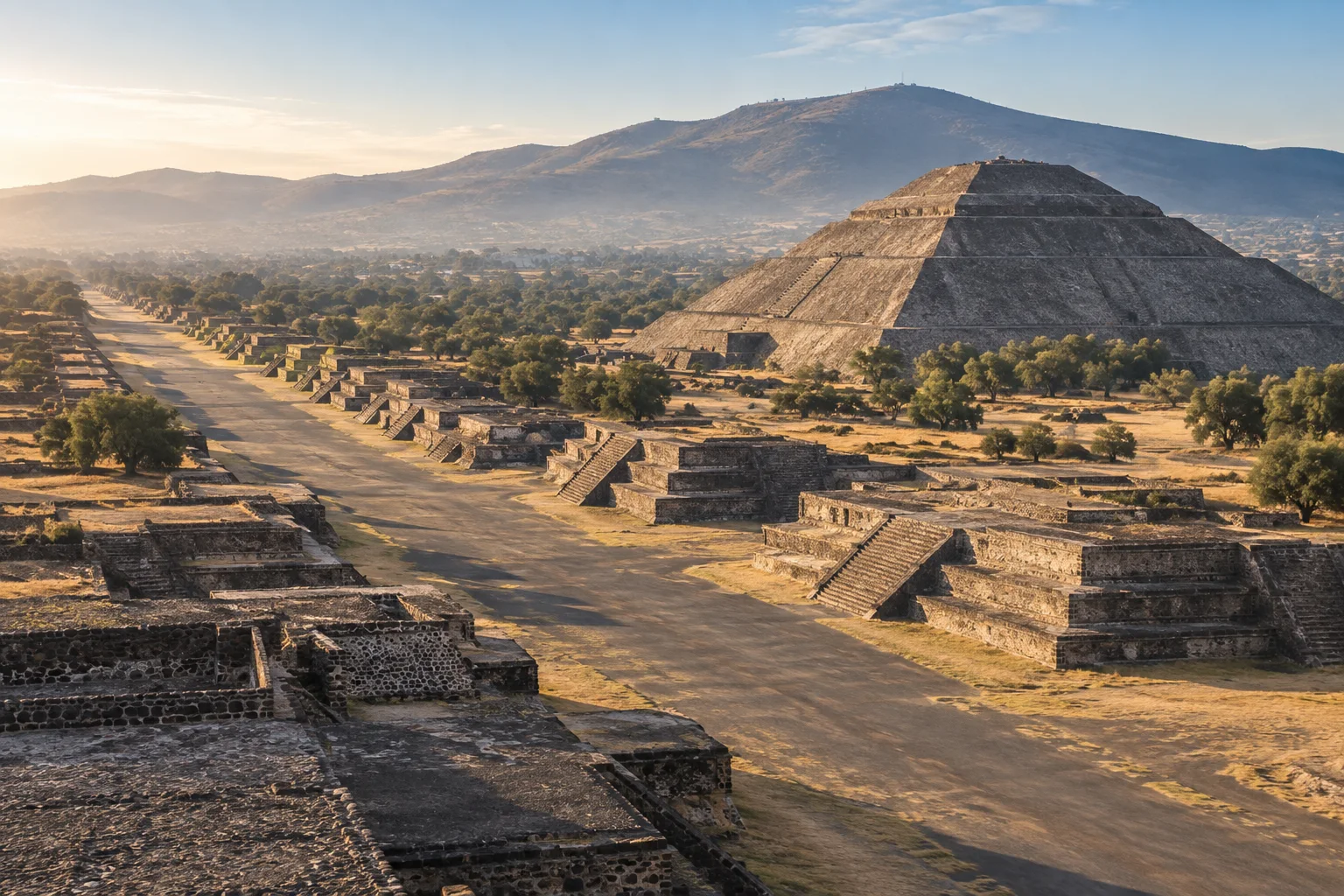
Teotihuacán · Estado de México
Look up addresses and plan your transfers.
Review opening hours, access and bookings.
Send photos and messages when connected.

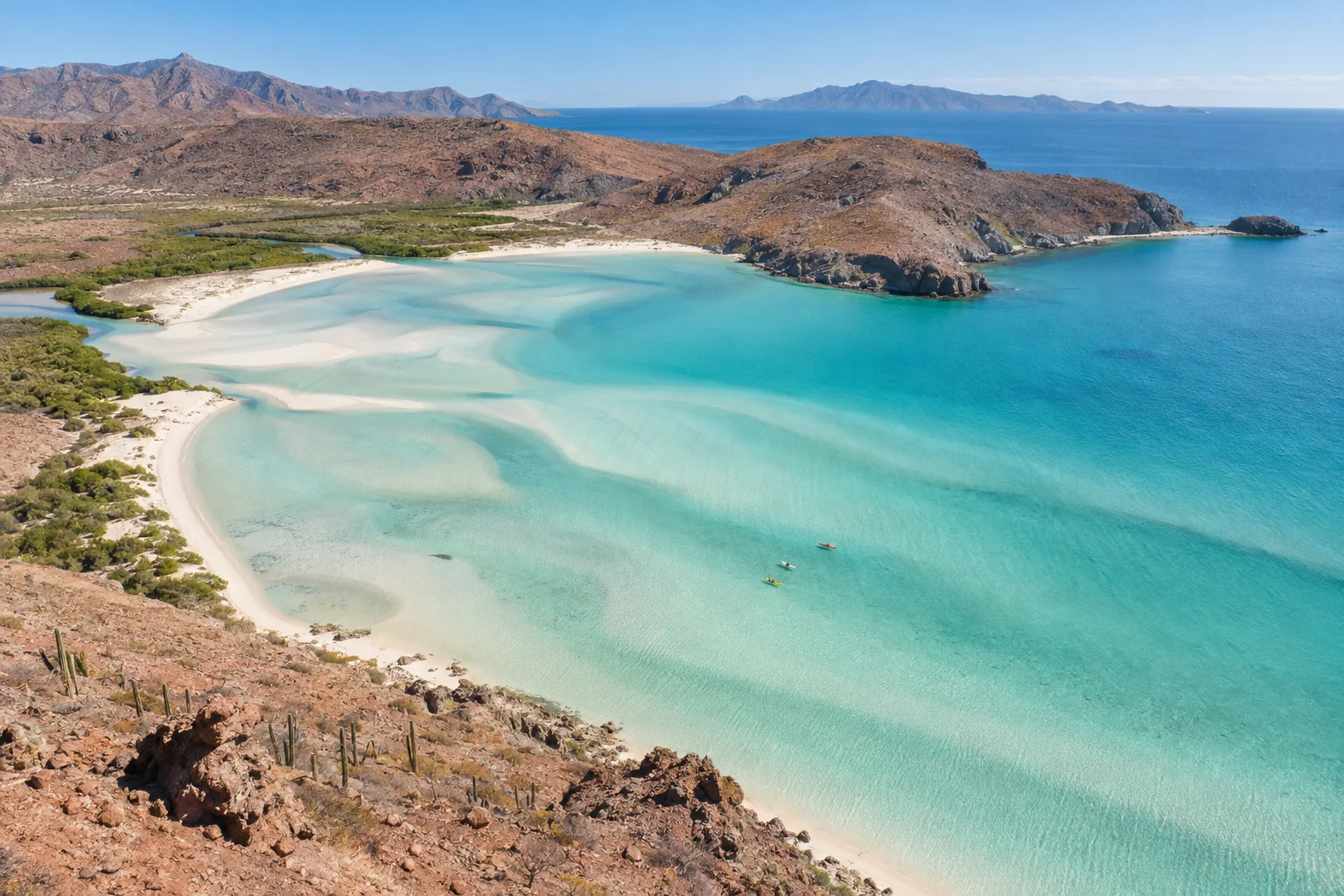
Balandra Beach · Baja California Sur
Use your usual apps with mobile data.
Check your flight and transfer details.
Usage depends on your apps; download maps before heading out.
Mobile data in Mexico. Coverage depends on local network availability.
Is your phone ready? →メキシコ旅行のためのeSIM
ベジャス・アルテス宮殿からバランドラの海まで、地図や予約、メッセージを手元に旅を楽しみましょう。
eSIMを選ぶ
次の目的地を見つけよう
Ciudad de México
地図・ルート・新しい場所
特別な体験をシェア
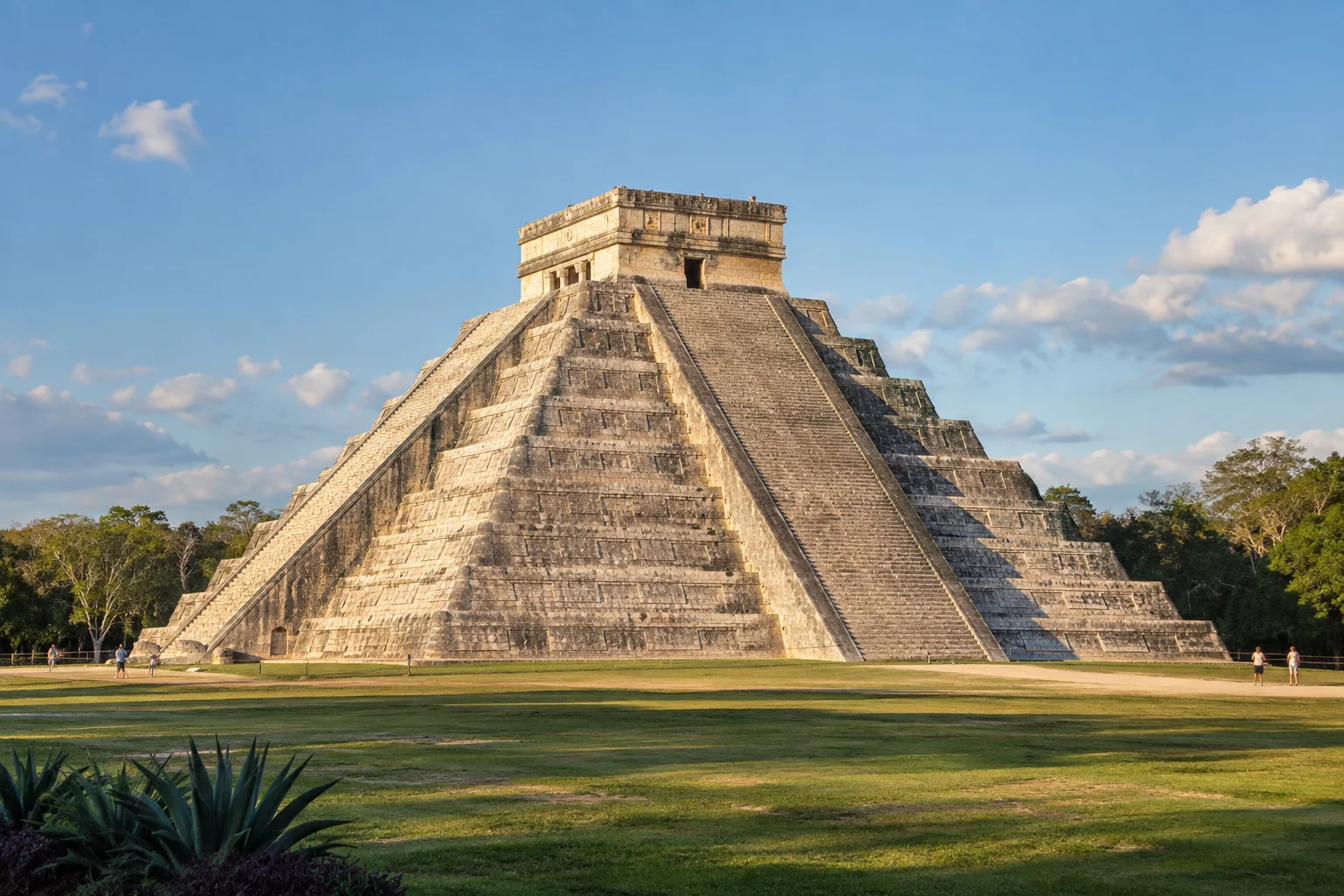
Yucatán
メッセージ・写真・ストーリー
自由にプランを変更
Baja California Sur
予約・旅程・小旅行
思い出を残そう
Estado de México
写真・思い出・大切な人
Before choosing your plan
eSIMはスマートフォンに内蔵されたデジタルSIMです。物理チップは不要で、QRコードをスキャンするだけで開通します。
Check these two requirements before buying: a phone that supports eSIM and is unlocked for other carriers.
All checked. View plansYour phone supports eSIM
Open Settings → Cellular → Add eSIM. Then check General → About → Carrier Lock: it should say “No SIM restrictions”.
Open Settings → Connections → SIM manager and look for “Add eSIM”. Also confirm with your carrier that the phone is unlocked.
Open Settings → Network & internet → SIMs → Add SIM and look for the eSIM setup option. On other models, search Settings for “eSIM” and confirm carrier unlock with your operator.
Your phone is carrier-unlocked
It must accept other carriers. If you bought it from a mobile carrier, confirm with them that it has no network lock.
Options vary by model, country and software version. If “Add eSIM” does not appear, confirm compatibility with the manufacturer before buying.
YOUR CONNECTION, STEP BY STEP
From checkout to mobile data: know what you need at every stage of your trip.
私のスマホは対応していますか?QR code and instructions in your inbox.
Keep your instructions handy before installing.
Installation guide in English
Start with your phone and the dates of your stay.
Your email contains the QR code and installation guide.
Choose your travel eSIM as the data line on your phone.
MEXICO IS CALLING. YOUR eSIM IS READY.
今すぐeSIMを購入して、安心して旅行を楽しみましょう。
今すぐeSIMを購入 First, check my phone
Playa Balandra
Baja California Sur, México