Saltar al contenido
mexsim

Your travel eSIM for Mexico

연결되는 순간, 멕시코 여행이 시작됩니다

지도, 교통, 메시지를 위한 여행용 eSIM. 이메일로 QR을 받고 멕시코 도착 후 활성화하세요.

Install with a QRKeep your WhatsAppNo physical SIM
Stripe 보안 결제 이메일 QR 전송 기존 유심 유지
Choose your eSIM

요금제를 선택하세요

멕시코 전역 커버리지의 고속 인터넷

Check my phone’s compatibility
Mexico mobile data plansPrices in MXN

Loading available plans…

✓ Payment processed by Stripe✓ Digital delivery by email✓ Keep your WhatsApp number
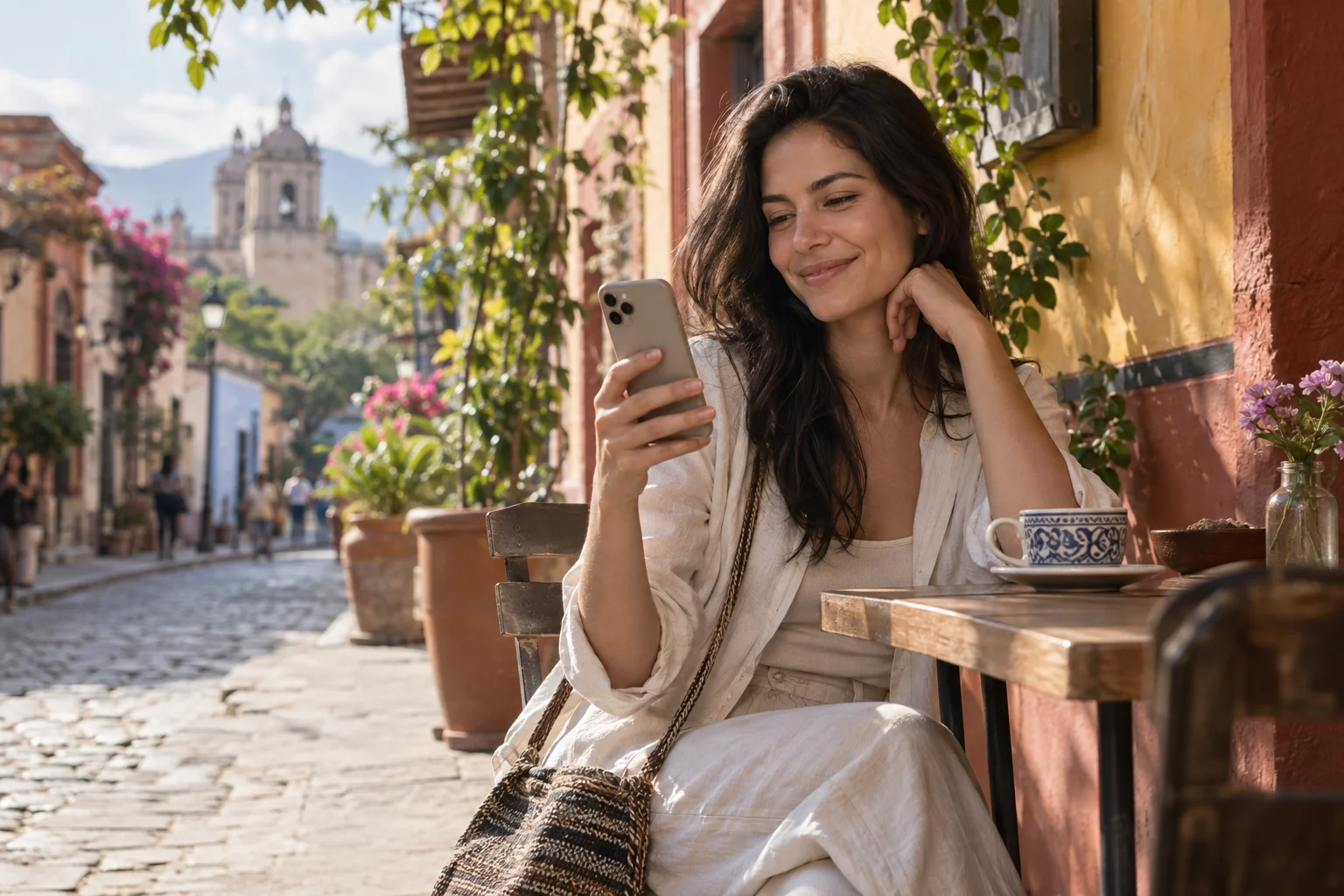
A traveler smiles at her phone on a café terrace in Mexico.
FamilyIllustrative conversation
A photo of Balandra Beach shared with family.

Sharing a photo from my trip 😊

12:41

Beautiful! Enjoy every moment ❤️

12:42

Experience Mexico. Share the moment.

Far from home. Close to your world.

Some moments are too good to keep to yourself.

Share photos, send messages and stay in touch with family and friends as you explore Mexico. A travel eSIM lets you use your apps with mobile data during your stay.

  • Your conversations
  • Your places
  • Your moments
Bring your world along

Travel eSIM · Mexico

An eSIM that travels with you

Data for every part of your trip.

Your connection is part of the trip, from your first message on arrival to your last booking.

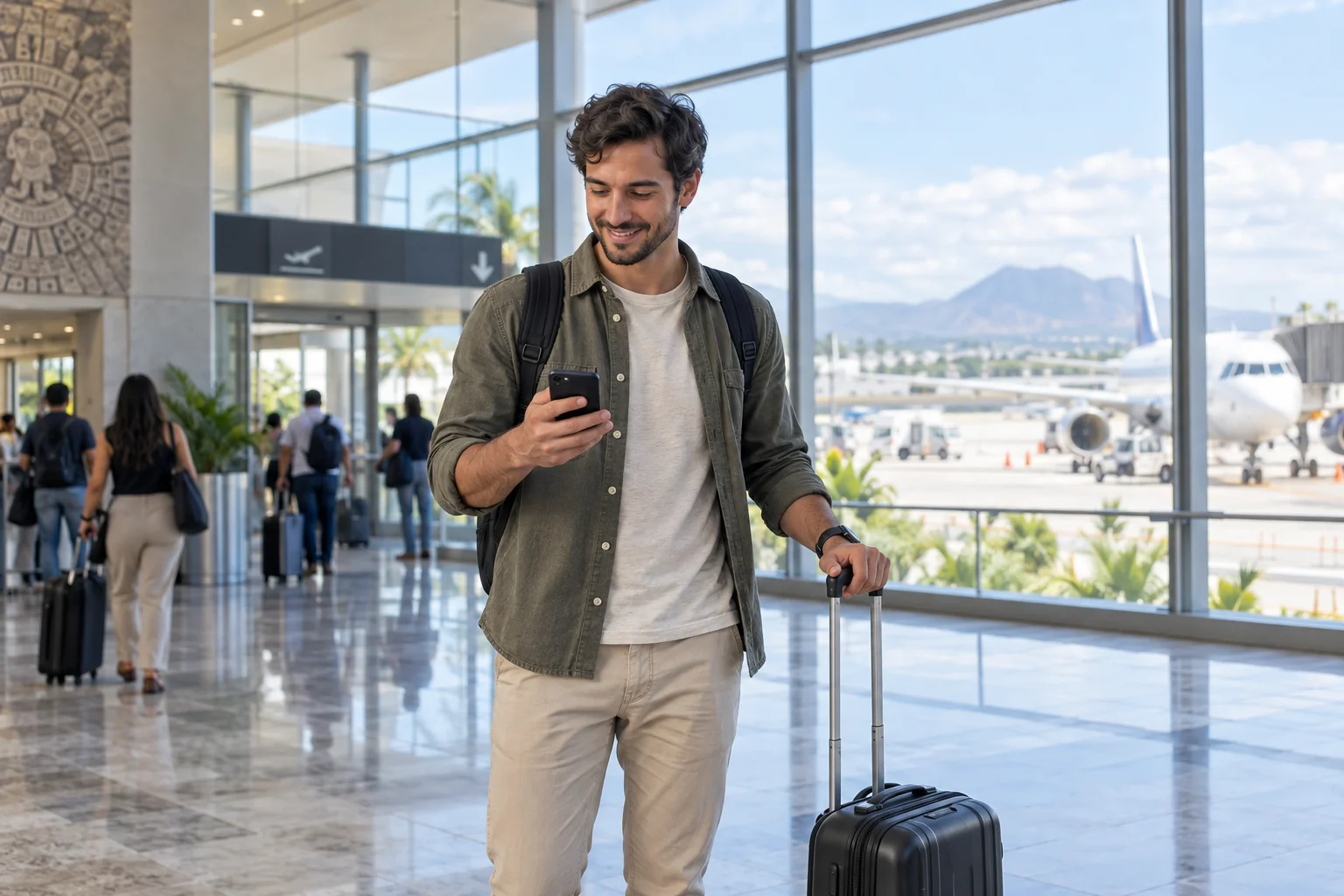
A traveler checks their phone beside their suitcase at an airport.

Arriving in Mexico

01 / On arrival

Get connected when you arrive in Mexico.

  • Find your route

    Check how to get to your hotel.

  • Share your arrival

    Send a message to family and friends.

  • Check your booking

    Review your accommodation address and details.

Find my eSIM
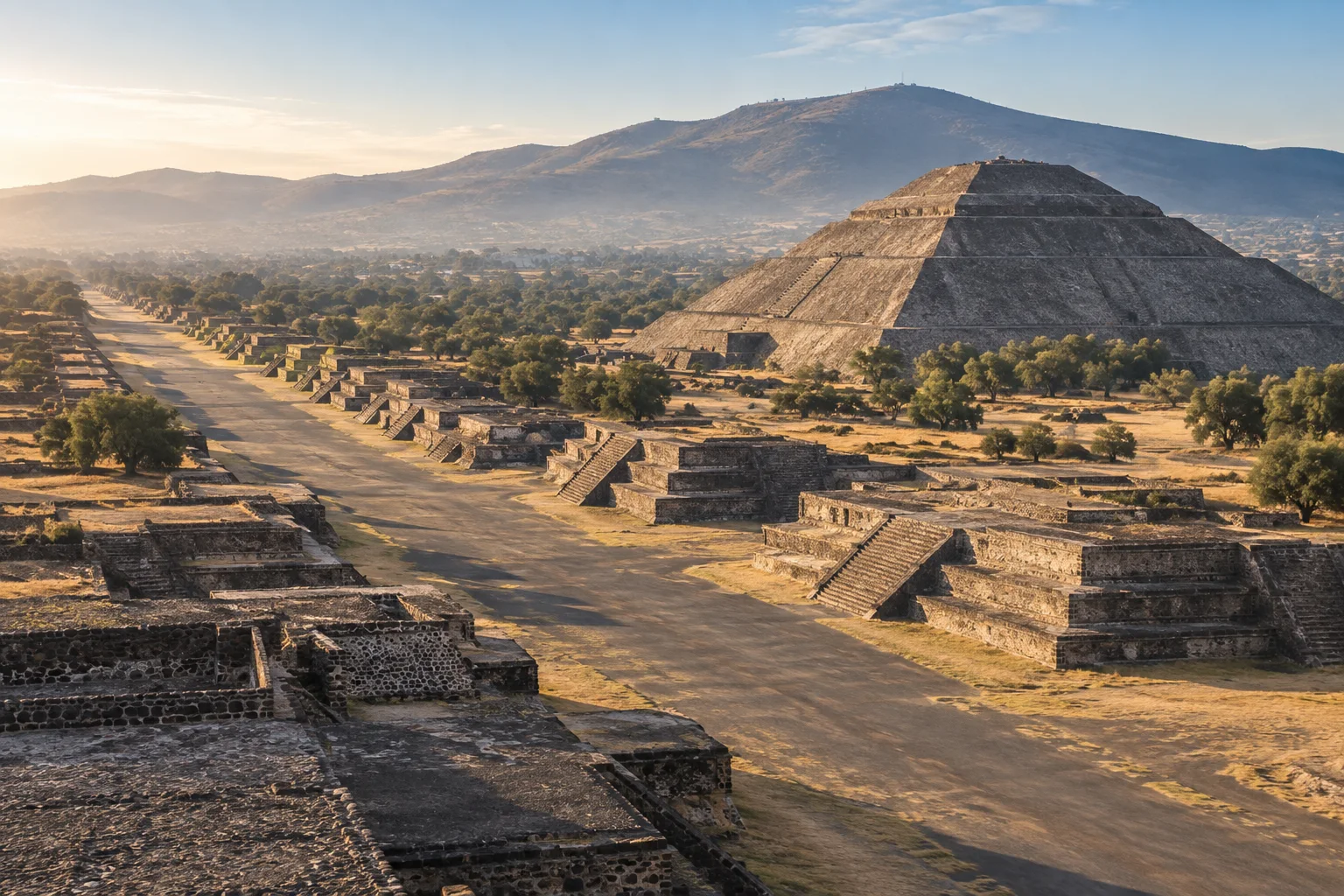
Teotihuacán · Estado de México

Teotihuacán · Estado de México

02 / Along the way

Your next stop isn’t always on the itinerary.

  • Find your way

    Look up addresses and plan your transfers.

  • Check before you go

    Review opening hours, access and bookings.

  • Share the journey

    Send photos and messages when connected.

Find my eSIM
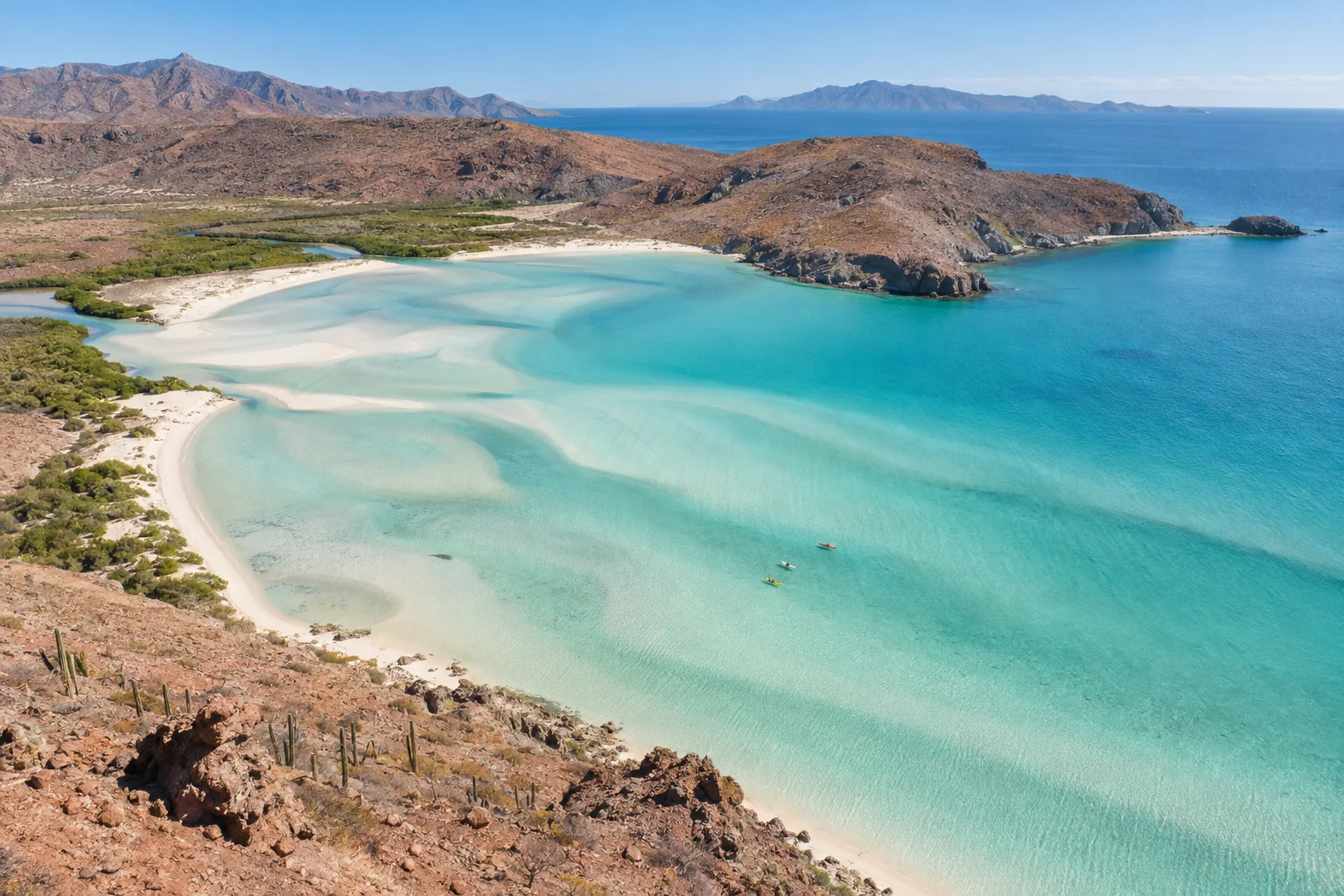
Balandra Beach · Baja California Sur

Balandra Beach · Baja California Sur

03 / At your own pace

Enjoy the place. Keep the essentials with you.

  • Keep your conversations

    Use your usual apps with mobile data.

  • Plan your return

    Check your flight and transfer details.

  • Manage your data

    Usage depends on your apps; download maps before heading out.

Find my eSIM

Mobile data in Mexico. Coverage depends on local network availability.

Is your phone ready? →

멕시코 여행을 위한 eSIM

세상으로 떠나요.
연결은 함께.

벨라스 아르테스에서 발란드라의 바다까지 지도, 예약, 메시지와 함께 여행하세요.

eSIM 선택하기
Palacio de Bellas Artes, Ciudad de México
01 / MX

다음 목적지를 찾아요

Palacio de Bellas Artes

Ciudad de México

지도 · 경로 · 새로운 장소

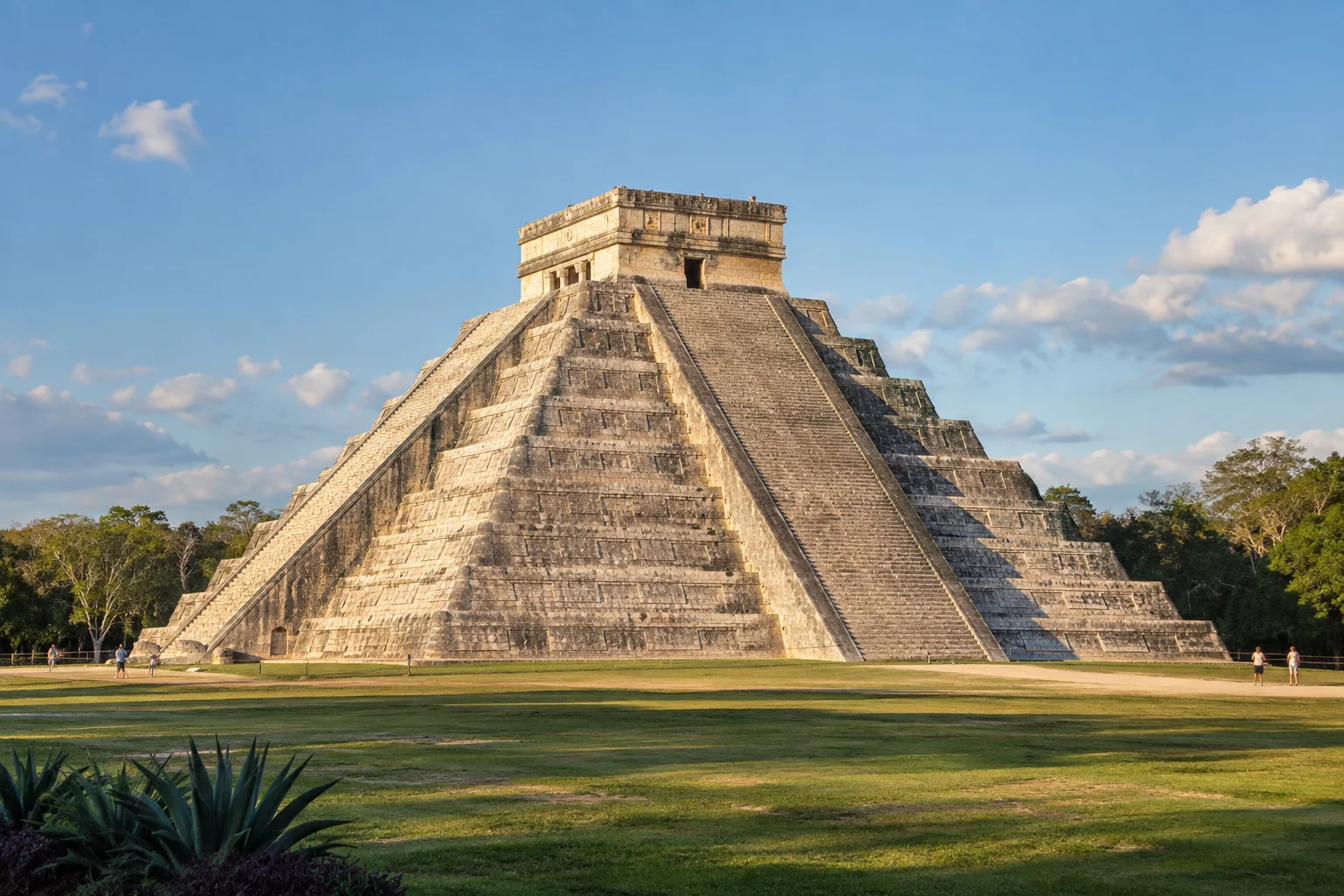
Chichén Itzá, Yucatán
02 / MX

특별한 순간을 공유해요

Chichén Itzá

Yucatán

메시지 · 사진 · 이야기

Playa Balandra, Baja California Sur
03 / MX

자유롭게 계획을 바꿔요

Playa Balandra

Baja California Sur

예약 · 일정 · 여행

Teotihuacán, Estado de México
04 / MX

순간을 간직해요

Teotihuacán

Estado de México

사진 · 추억 · 소중한 사람들

통신 가능 범위는 현지 네트워크 상황에 따라 달라집니다.

Before choosing your plan

eSIM이란?

eSIM은 스마트폰에 내장된 디지털 SIM입니다. 물리적 칩이 필요 없으며, QR 코드를 스캔하면 바로 활성화됩니다.

Check these two requirements before buying: a phone that supports eSIM and is unlocked for other carriers.

All checked. View plans

내 스마트폰이 호환되나요?

Your phone supports eSIM

iPhone

Open Settings → Cellular → Add eSIM. Then check General → About → Carrier Lock: it should say “No SIM restrictions”.

Samsung Galaxy

Open Settings → Connections → SIM manager and look for “Add eSIM”. Also confirm with your carrier that the phone is unlocked.

Google Pixel and other Android phones

Open Settings → Network & internet → SIMs → Add SIM and look for the eSIM setup option. On other models, search Settings for “eSIM” and confirm carrier unlock with your operator.

Your phone is carrier-unlocked

It must accept other carriers. If you bought it from a mobile carrier, confirm with them that it has no network lock.

Options vary by model, country and software version. If “Add eSIM” does not appear, confirm compatibility with the manufacturer before buying.

YOUR CONNECTION, STEP BY STEP

어떻게 이용하나요?

From checkout to mobile data: know what you need at every stage of your trip.

내 스마트폰이 호환되나요?
DIGITAL DELIVERY

Your next connection

QR code and instructions in your inbox.

Illustration · not a scannable QR
From your inbox to your phone

Keep your instructions handy before installing.

Installation guide in English

BEFORE YOU BUYChoose a plan for your trip

Start with your phone and the dates of your stay.

  • Check that your specific phone model supports eSIM and is unlocked for other carriers.
  • Compare the included data, validity period, and plan conditions.
  • Use an email address you can access: your eSIM information will be delivered there.
AFTER YOUR PURCHASEReceive and install your eSIM

Your email contains the QR code and installation guide.

  • Check your inbox and spam folder for your eSIM email.
  • Connect to Wi-Fi. Read the activation conditions before preparing your eSIM for the trip.
  • Open the add-eSIM option in your phone settings and follow the guide you received. You can display the QR code on another screen to scan it.
WHEN USING IT IN MEXICOSelect your mobile data line

Choose your travel eSIM as the data line on your phone.

  • Find the eSIM in your settings; you can label it “Mexico” to recognize it.
  • Select it for mobile data and apply the roaming settings specified in its instructions.
  • Check your selected data line before browsing and avoid automatic data switching to your usual SIM.
FAQ

자주 묻는 질문

eSIM이란 무엇이며 어떻게 작동하나요?
eSIM은 스마트폰에 내장된 디지털 SIM입니다. 물리적 칩을 삽입하는 대신, 이메일로 전송된 QR 코드를 스캔하면 자동으로 멕시코 네트워크에 연결됩니다.
내 스마트폰이 eSIM과 호환되나요?
대부분의 최신 스마트폰은 eSIM을 지원합니다: iPhone XS 이후 모델, Samsung Galaxy S20+, Google Pixel 3 이상, Motorola Razr 등. 스마트폰 설정에서 "eSIM" 또는 "데이터 요금제" 옵션을 확인해 보세요.
eSIM으로 전화나 문자를 보낼 수 있나요?
MexSIM eSIM은 데이터 전용(인터넷)입니다. 전화와 문자는 기존 번호를 사용하거나, 데이터로 작동하는 WhatsApp, Telegram, FaceTime 등의 앱을 이용하실 수 있습니다.
WhatsApp 번호를 그대로 유지할 수 있나요?
네. MexSIM eSIM은 데이터 전용 보조 회선으로 작동합니다. 기존 SIM(과 WhatsApp 번호)은 정상적으로 계속 사용할 수 있습니다.
활성화는 얼마나 걸리나요?
구매 후 몇 초 이내에 이메일로 QR 코드를 받게 됩니다. 설치는 2분 이내로 완료됩니다. 여행 전에 미리 설치해 두면 멕시코 도착 시 자동으로 활성화됩니다.
핫스팟(인터넷 공유)을 사용할 수 있나요?
네, 모든 요금제에 추가 비용 없이 핫스팟이 포함되어 있습니다. 노트북이나 태블릿 등 다른 기기와 인터넷을 공유할 수 있습니다.
더 많은 질문 보기 (9)
인터넷 속도는 얼마나 되나요?
MexSIM eSIM은 모바일 데이터용입니다. 사용 가능한 네트워크와 속도는 위치, 기기, 혼잡도에 따라 달라집니다.
eSIM을 지도, 교통, 메시지 앱에 사용할 수 있나요?
네. 멕시코 여행 중 지도, 교통, 메시지 앱에서 사용할 수 있는 모바일 데이터를 제공합니다.
데이터가 소진되면 어떻게 하나요?
웹사이트에서 언제든지 추가 요금제를 구매할 수 있습니다. 새 QR 코드를 받아 몇 분 만에 설치할 수 있습니다.
멕시코 도착 전에 eSIM을 미리 설치할 수 있나요?
네, 여행 전에 미리 설치하는 것을 권장합니다. 스마트폰이 멕시코 네트워크를 감지하면 자동으로 활성화됩니다.
문제가 생기면 도움을 받을 수 있나요?
네, 이메일과 채팅을 통해 영어와 스페인어로 24시간 연중무휴 고객 지원을 제공합니다. 설치나 사용에 관한 모든 질문에 도움을 드립니다.
mexim에서 구매하는 것이 안전한가요?
네, 모든 결제는 세계에서 가장 안전한 결제 플랫폼 중 하나인 Stripe를 통해 처리됩니다. 카드 정보는 일절 저장하지 않습니다.
환불이 가능한가요?
네, eSIM을 사용하지 않은 경우(설치하지 않은 경우) 구매 후 30일 이내에 전액 환불을 요청할 수 있습니다.
스마트폰이 잠금 해제되어 있어야 하나요?
다른 통신사의 eSIM을 사용하려면 스마트폰이 잠금 해제(특정 통신사에 종속되지 않은 상태)되어 있어야 합니다. 약정 없이 구매한 스마트폰은 대부분 이미 잠금 해제 상태입니다.
eSIM이 태블릿이나 iPad에서도 작동하나요?
네, eSIM을 지원하는 iPad와 태블릿에서 작동합니다 (iPad Pro, iPad Air 3세대 이상, iPad Mini 5세대 이상).

MEXICO IS CALLING. YOUR eSIM IS READY.

멕시코에서 연결 상태를 유지할 준비가 되셨나요?

지금 eSIM을 구매하고 걱정 없이 여행하세요.

지금 eSIM 구매 First, check my phone
Turquoise water and white sand at Balandra Beach, Baja California Sur

Playa Balandra

Baja California Sur, México